Can I Change an Expense After It Syncs to QBO?
Yes, but Buildwise and QuickBooks don't update each other after an expense is sent. If you change it in one place, make the same change in the other.
If you change it in Buildwise
The QuickBooks boxes are locked
Supplier, Payment Method, Payment Date, Invoice No., QuickBooks Category, QuickBooks Customer, QuickBooks Description and QuickBooks Tax Code can't be changed. Hover over one to see why. Change them in QuickBooks.
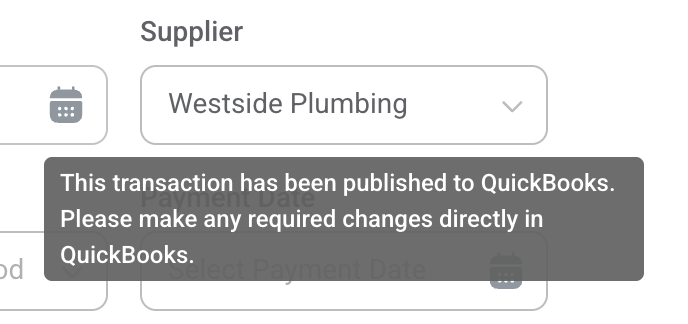
Other changes ask first
You can still change the cost, tax, cost group or notes. Clicking Save asks CAUTION! first. Click Yes to save.
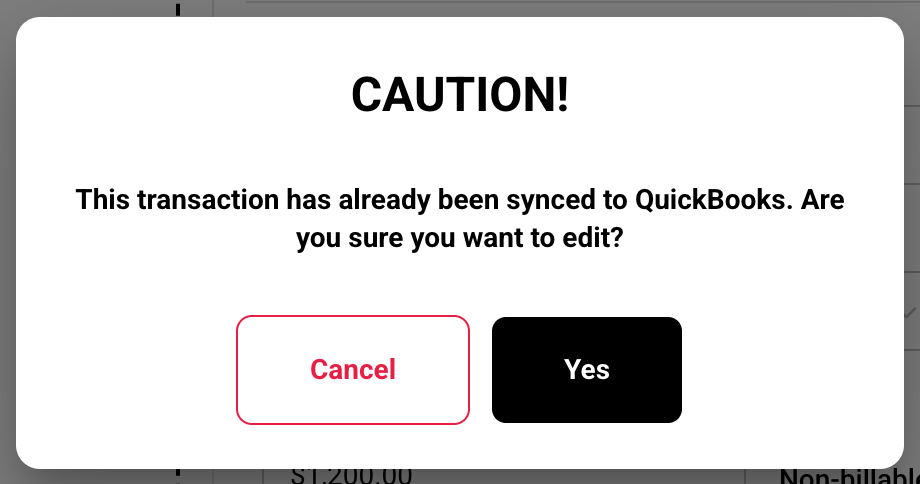
The icon turns orange
After a change, the icon shows Edited Post Sync. QuickBooks doesn't change, so make the same change there.
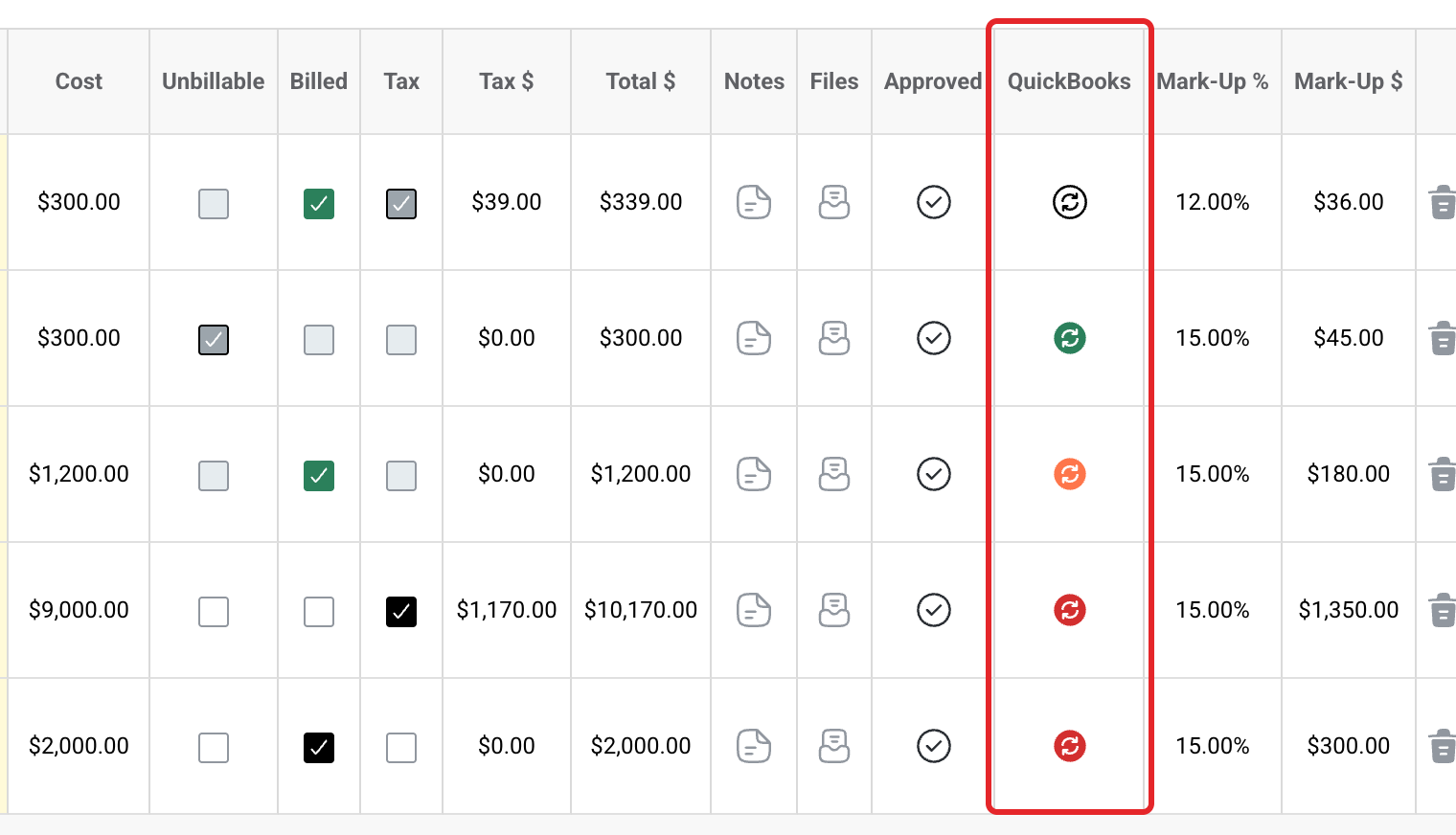
You can't send it again
Save & Sync stays greyed out.

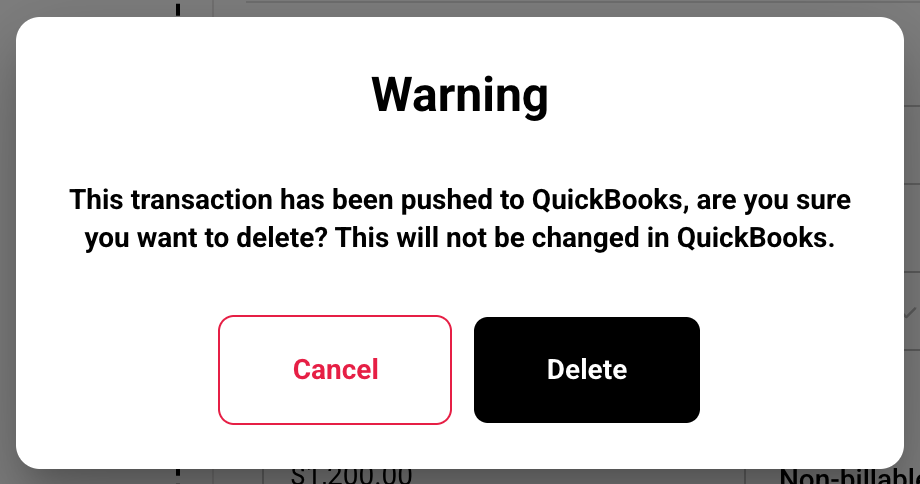
Deleting leaves the bill in QuickBooks
Deleting asks first. The expense leaves Buildwise only. The bill, payment and receipt stay in QuickBooks, so delete them there too.
If you change it in QuickBooks
As an example, a receipt is in the wrong category and you only fix it in QuickBooks. The fix doesn't come back to Buildwise, so your Buildwise reports stay wrong until you change it there too.
Splitting after it syncs
Adding a split line turns the icon orange too. The new line starts with empty QuickBooks boxes, and QuickBooks doesn't change.
💬 Have a question? Click the round message button in the bottom-right corner of this page, then click Send a message. We usually reply within a few hours.