Use the Create New Button
The Create New button at the top of the left menu on the web app is a quick way to start something new, from any page.
Use the button
Click Create New
Click Create New at the top of the left menu.
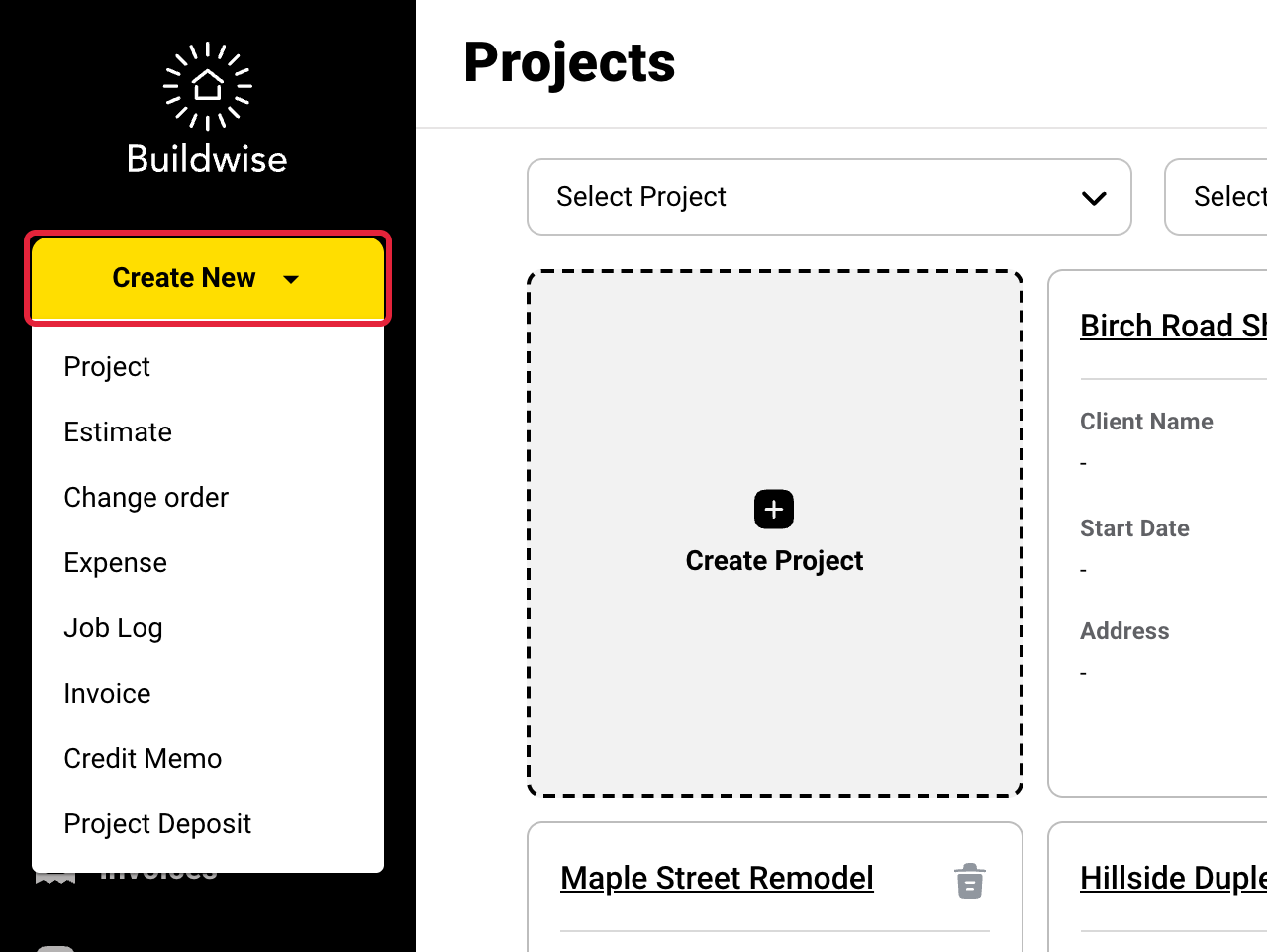
Pick what to make
Pick from the list. Buildwise opens the right page and starts the new item for you.
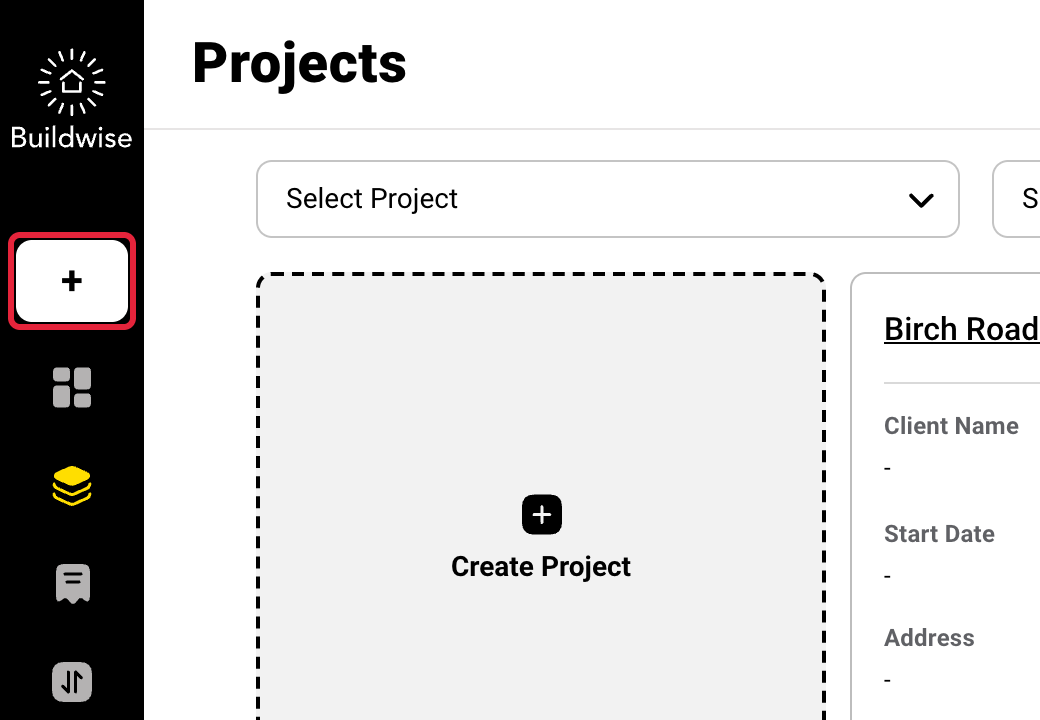
If the left menu is collapsed, the button shows as a +. It works the same way.
What each choice does
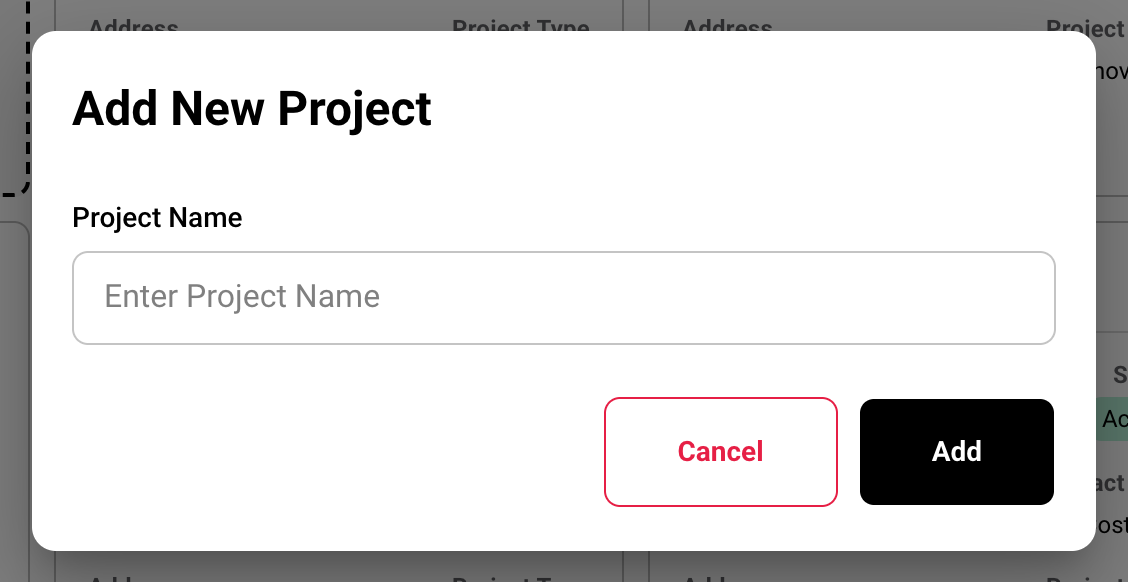
Project
Opens the Add New Project window on the Projects page.
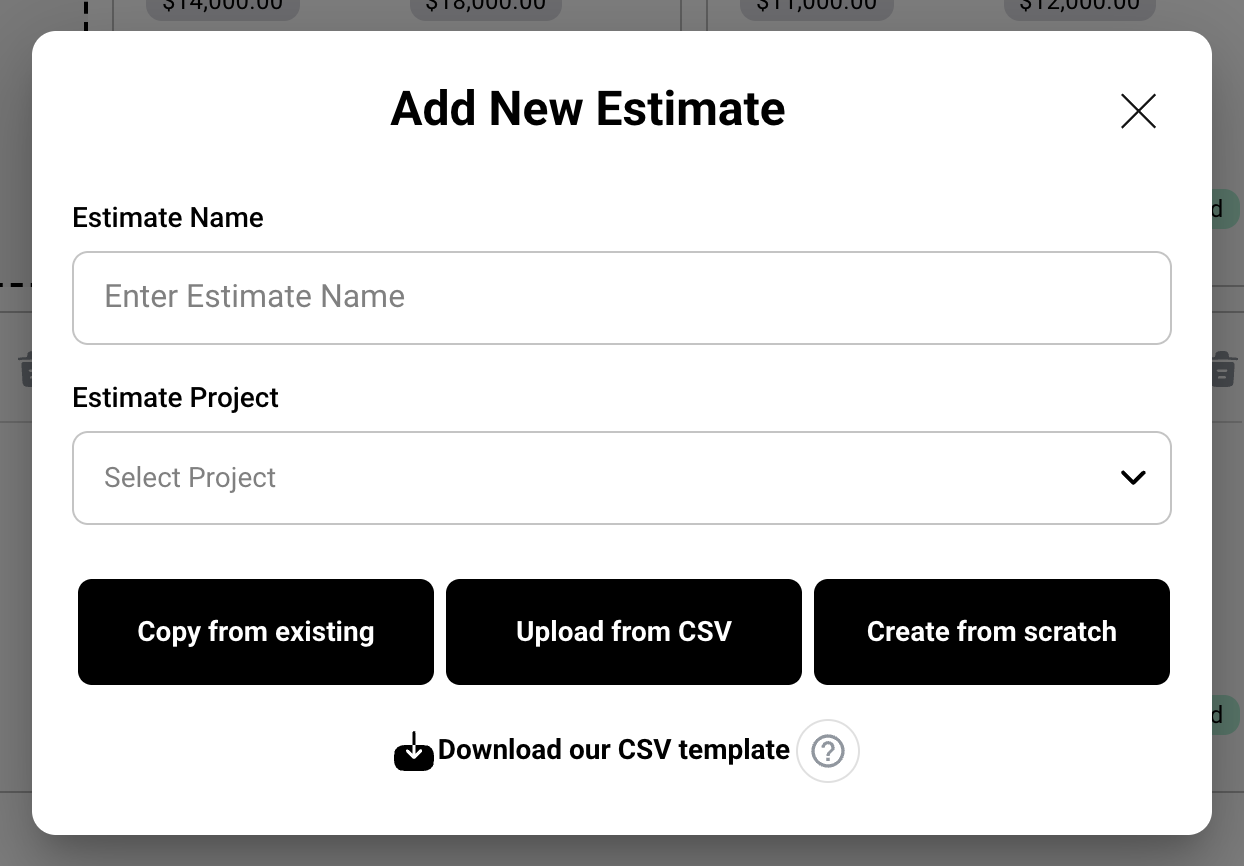
Estimate
Opens the Add New Estimate window.
Change order
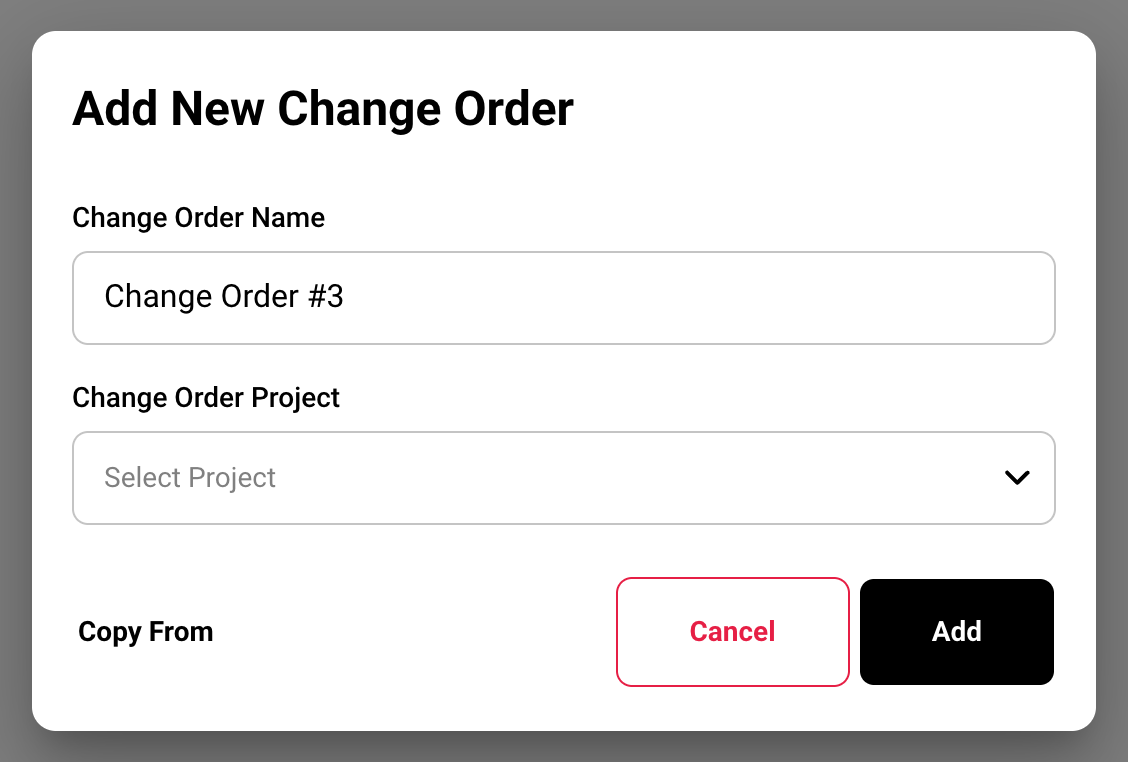
Opens the Add New Change Order window.
Expense
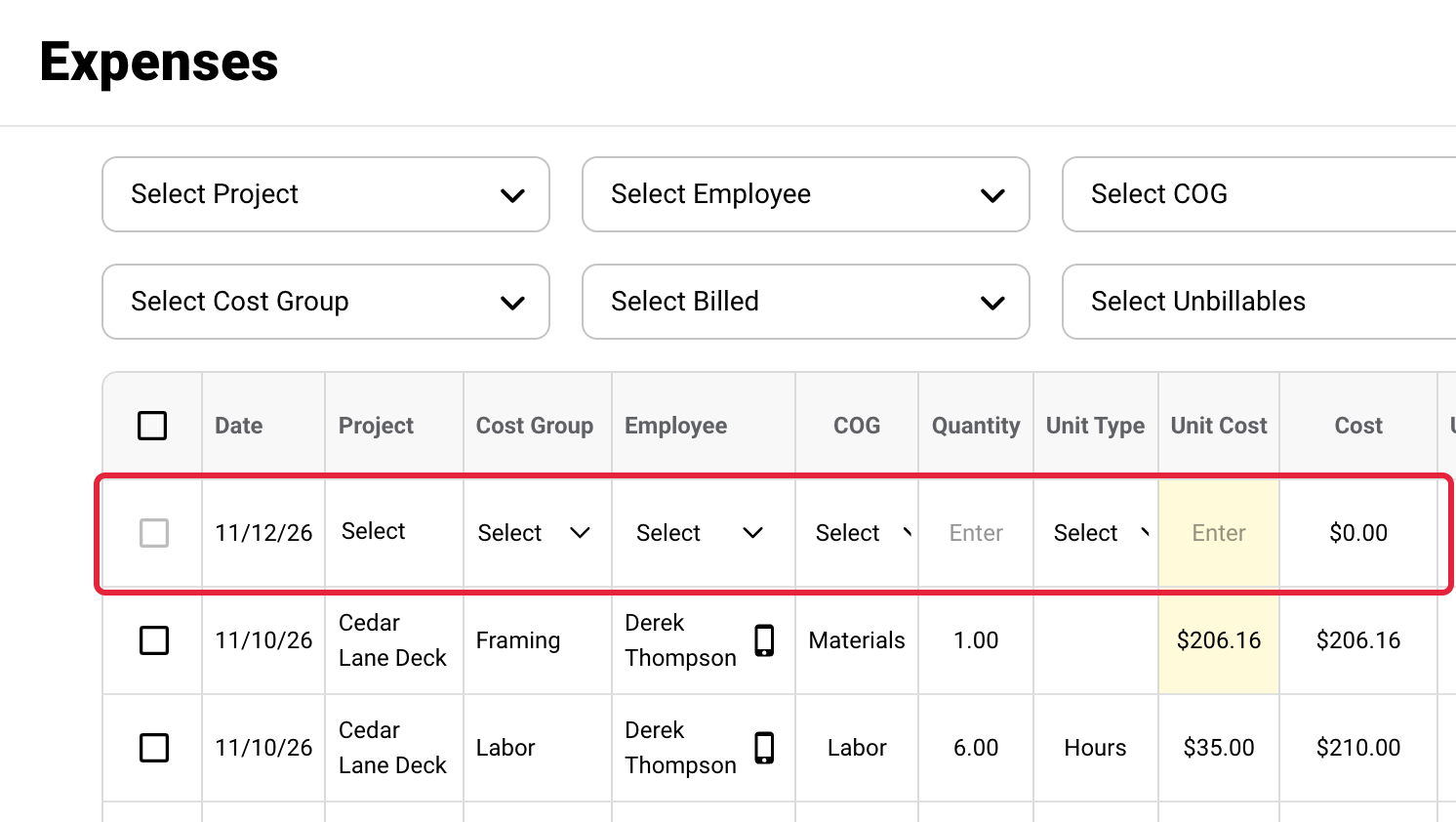
Opens the Expenses page with a new blank row at the top, ready to fill in.
Job Log
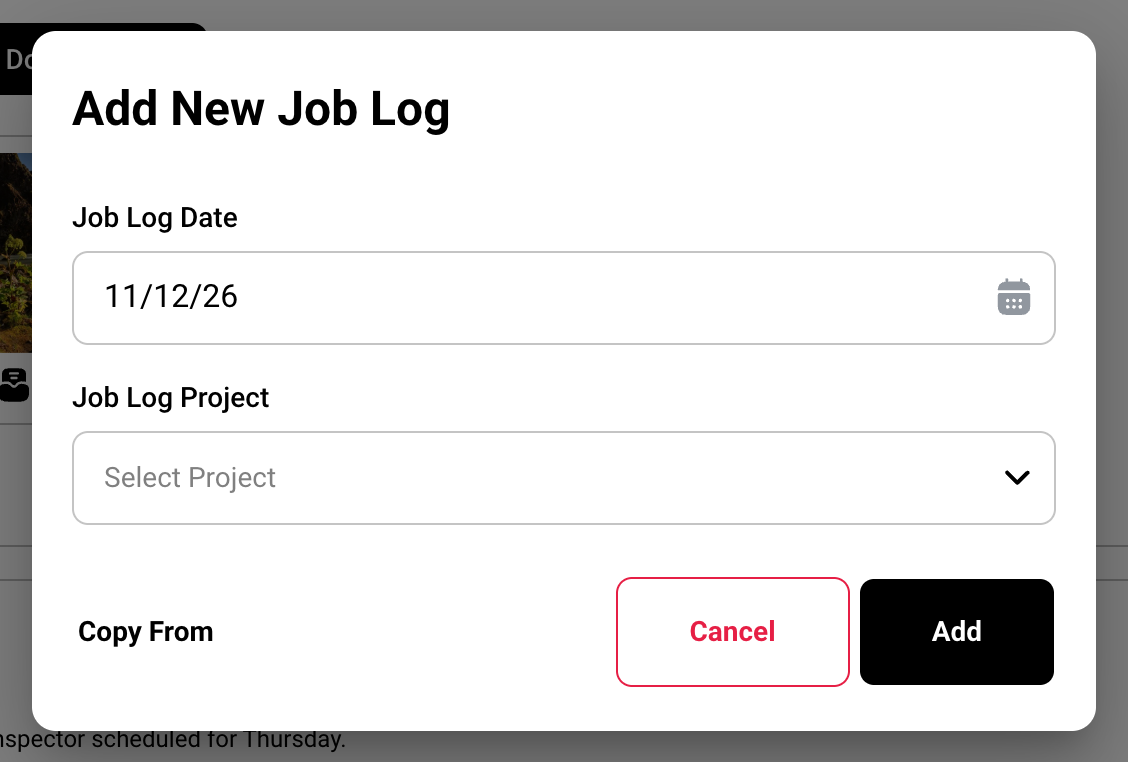
Opens the Add New Job Log window.
Invoice
Opens the Create an Invoice window.

Credit Memo
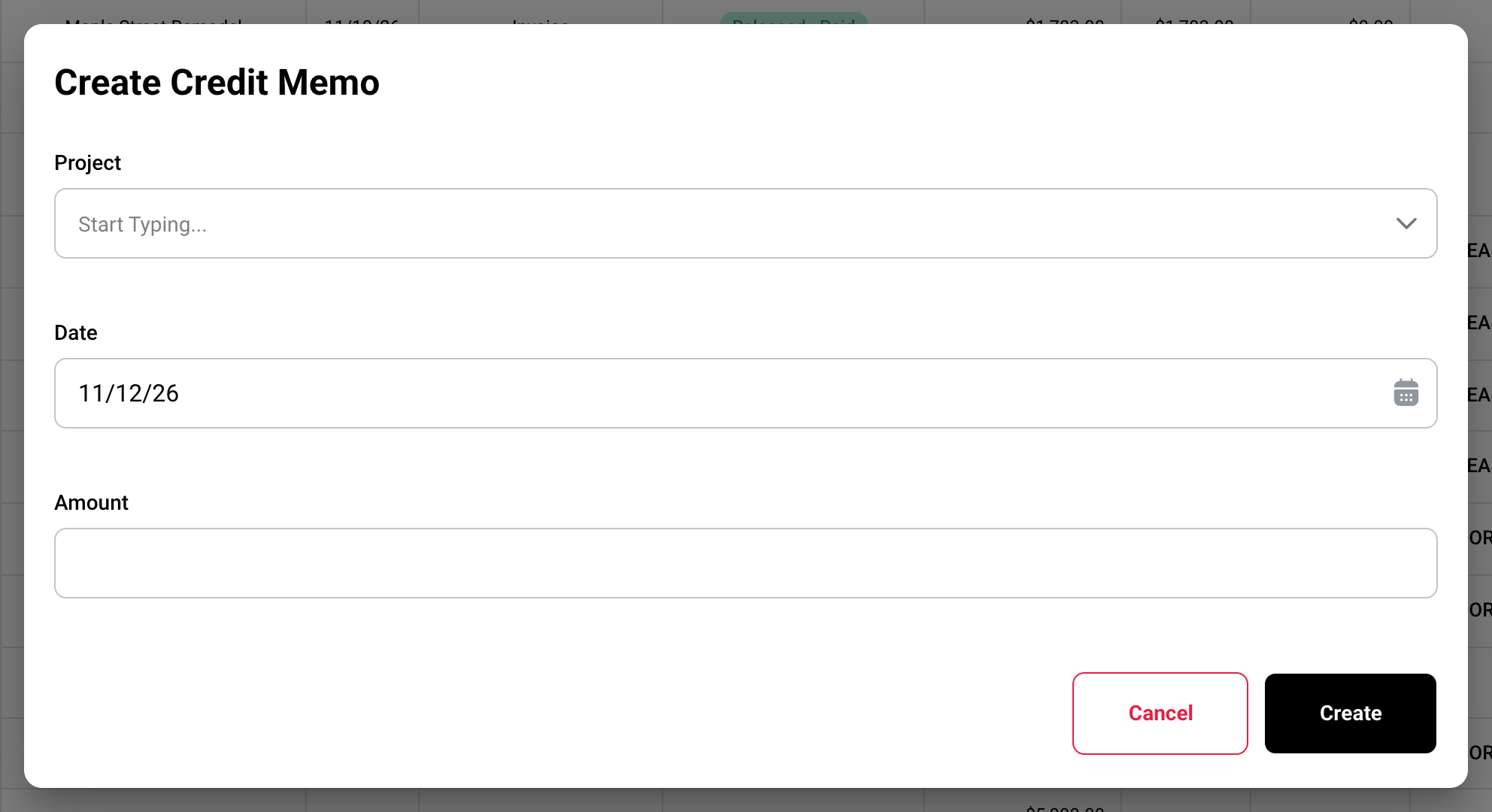
Opens the Create Credit Memo window.
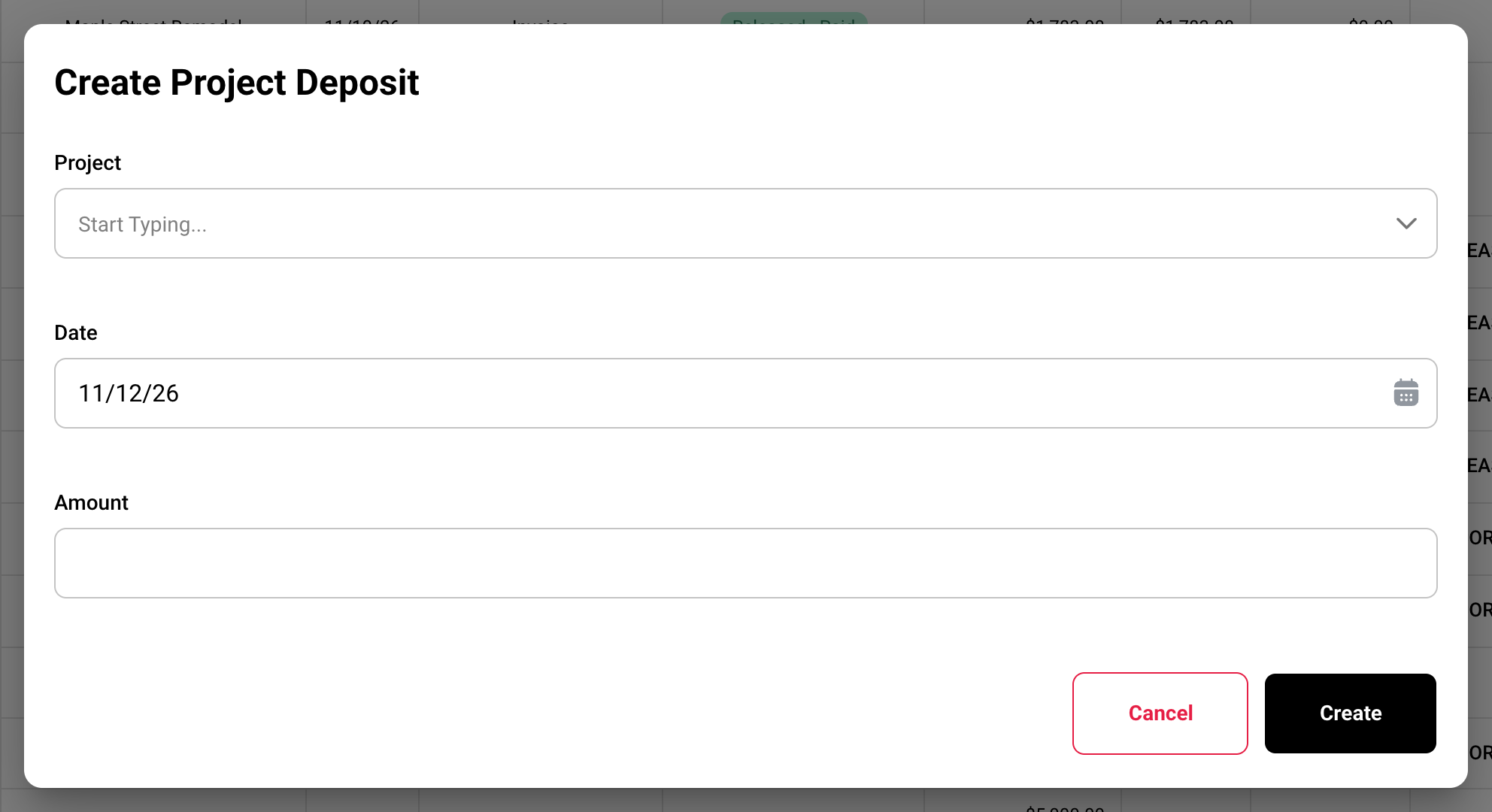
Project Deposit
Opens the Create Project Deposit window.
Why people see different choices
| Who | Choices they see |
|---|---|
| Owner or Administrator | All eight. The last three (Invoice, Credit Memo and Project Deposit) show only when invoicing is turned on for your company. |
| Manager | Project, Estimate, Change order, Expense and Job Log. The three invoicing choices are added when invoicing is turned on and the Manager has Invoicing Access on at least one project. |
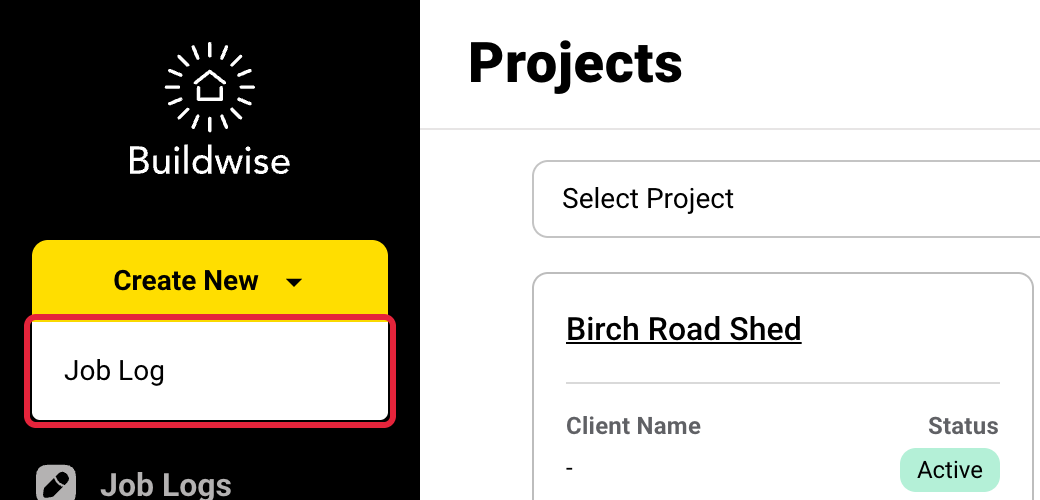
| Member | Job Log only. |
For example, a Manager with no Invoicing Access sees five choices. Here is what a Member sees:
To learn more about roles, see the Role Permissions Matrix.
💬 Have a question? Click the round message button in the bottom-right corner of this page, then click Send a message. We usually reply within a few hours.