Make a Project Inactive
When a job is finished, make the project Inactive. It drops off your active lists, everything on it stays saved, and you can set it back to Active at any time.
Here are the steps to follow:
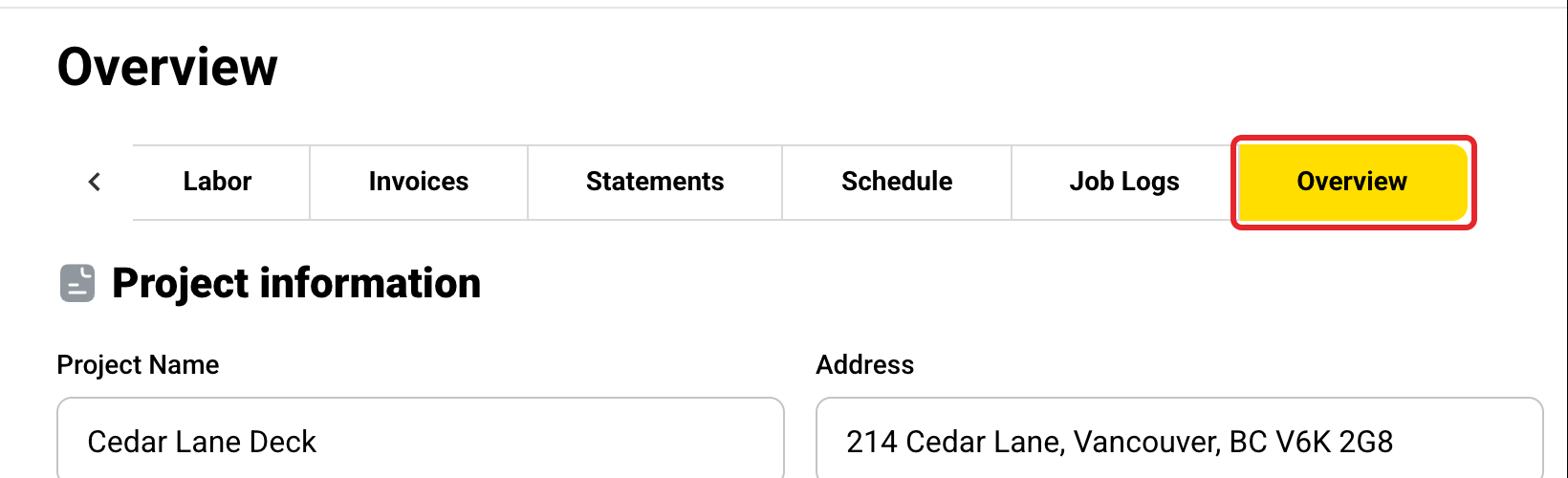
Open the Overview tab
Open the project and click the Overview tab. Use the arrow at the right end of the tabs if you don't see it.
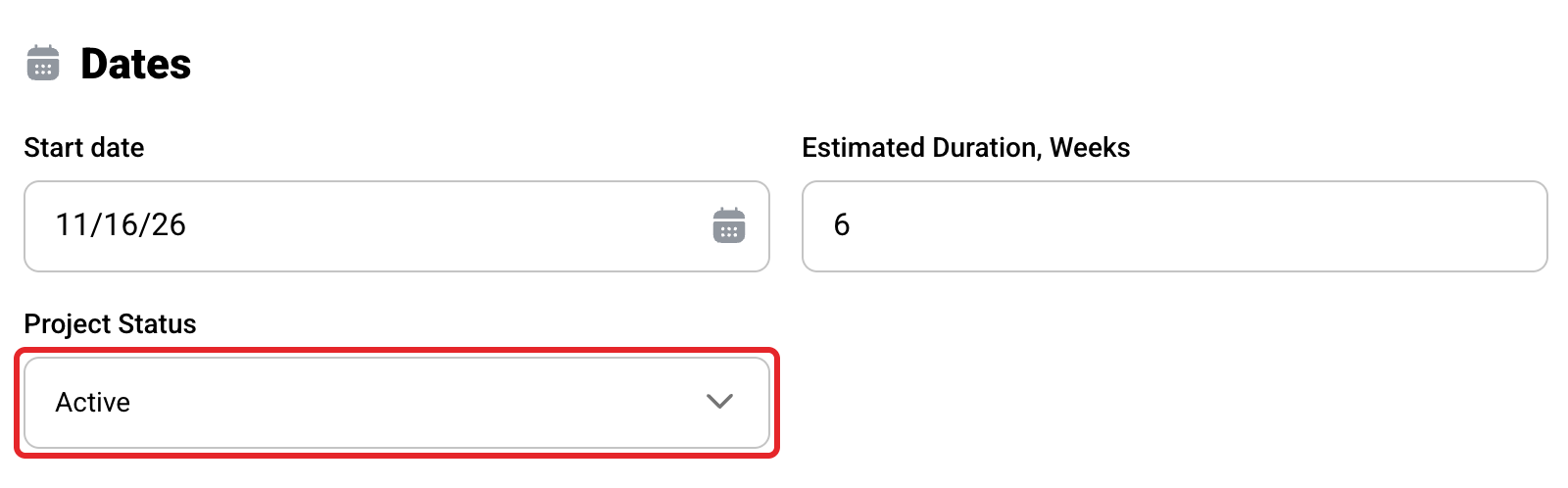
Find Project Status
Scroll down to the Dates section. Project Status is at the bottom of it. Every new project starts as Active.
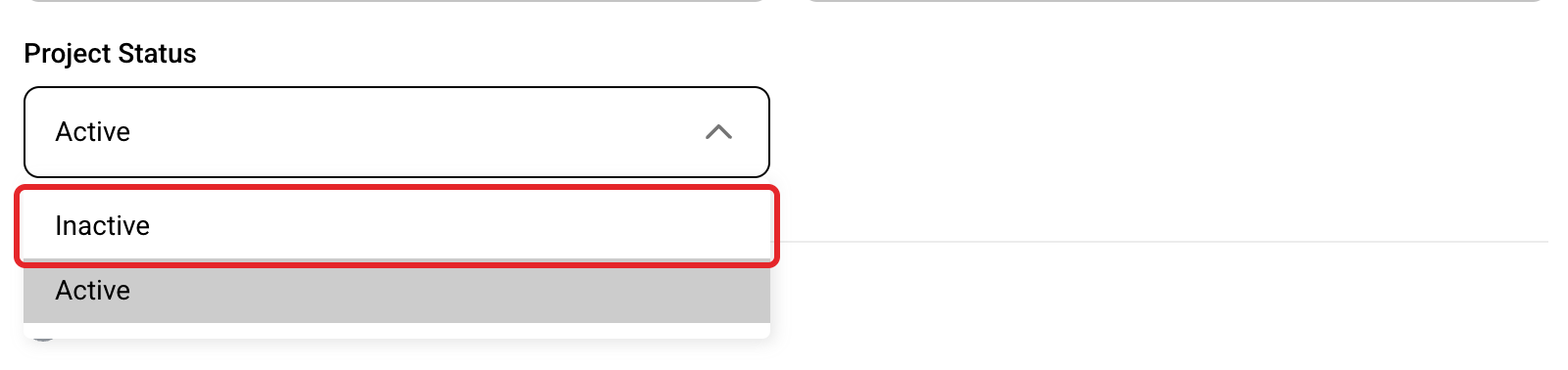
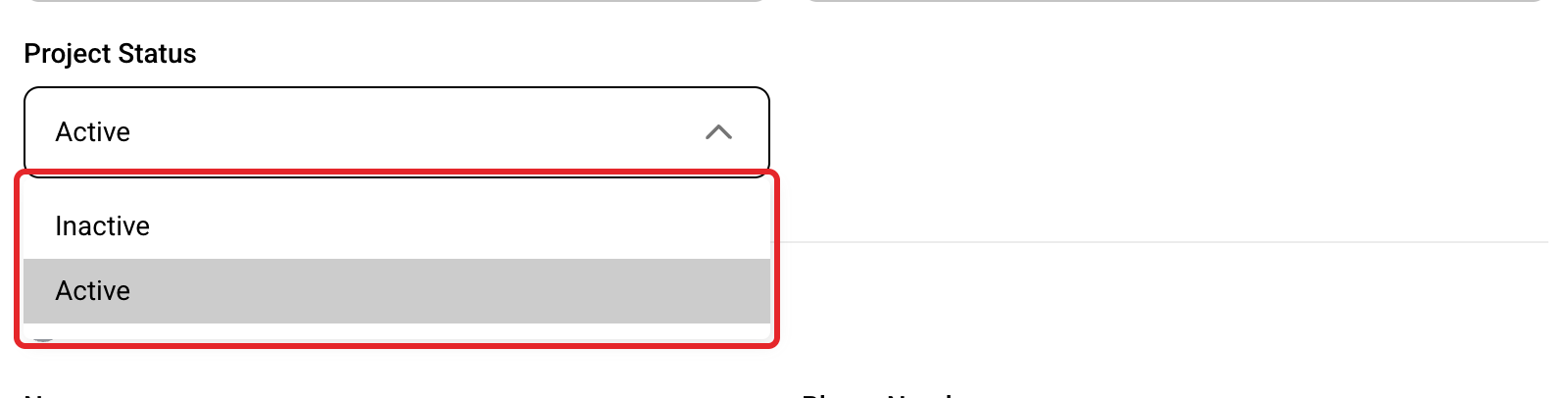
Pick Inactive
Click Project Status and pick Inactive.
Click Save
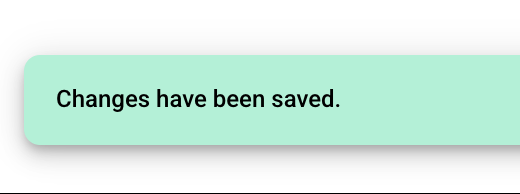
Scroll to the bottom of the page and click Save. You will see Changes have been saved.

Find the project again
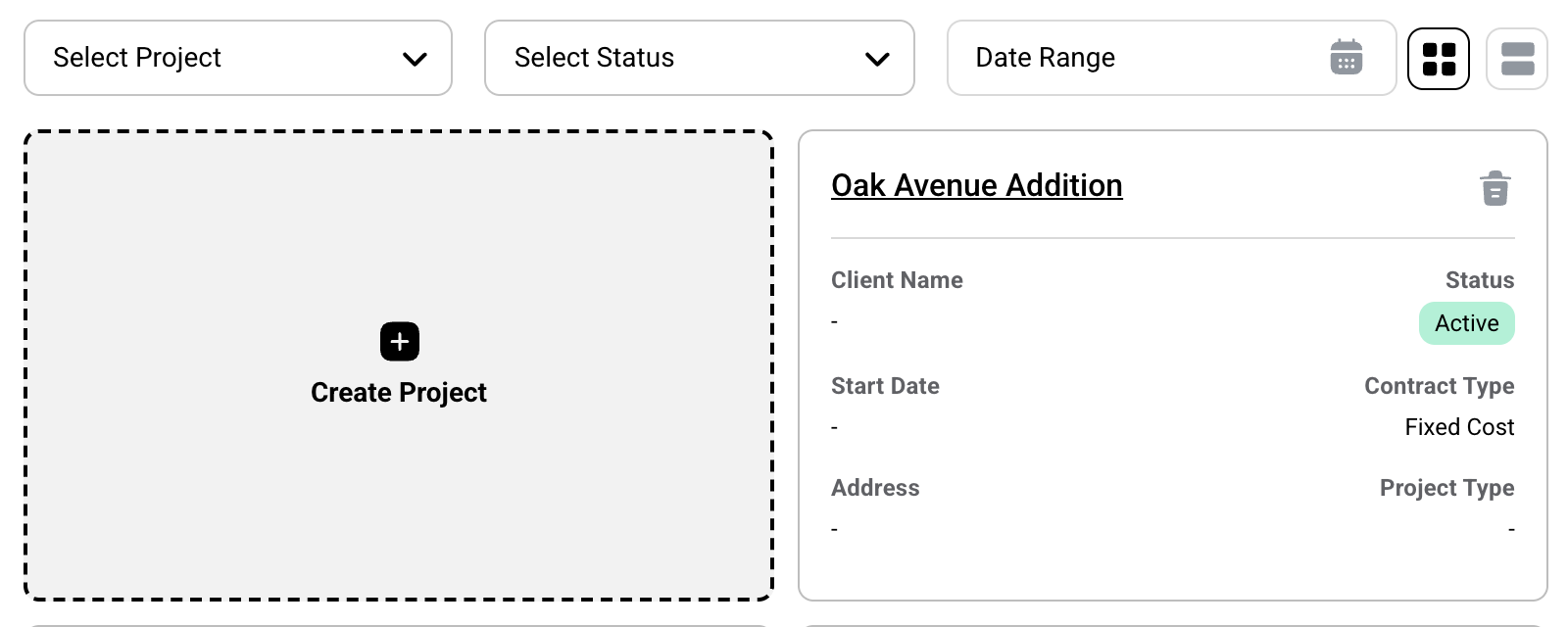
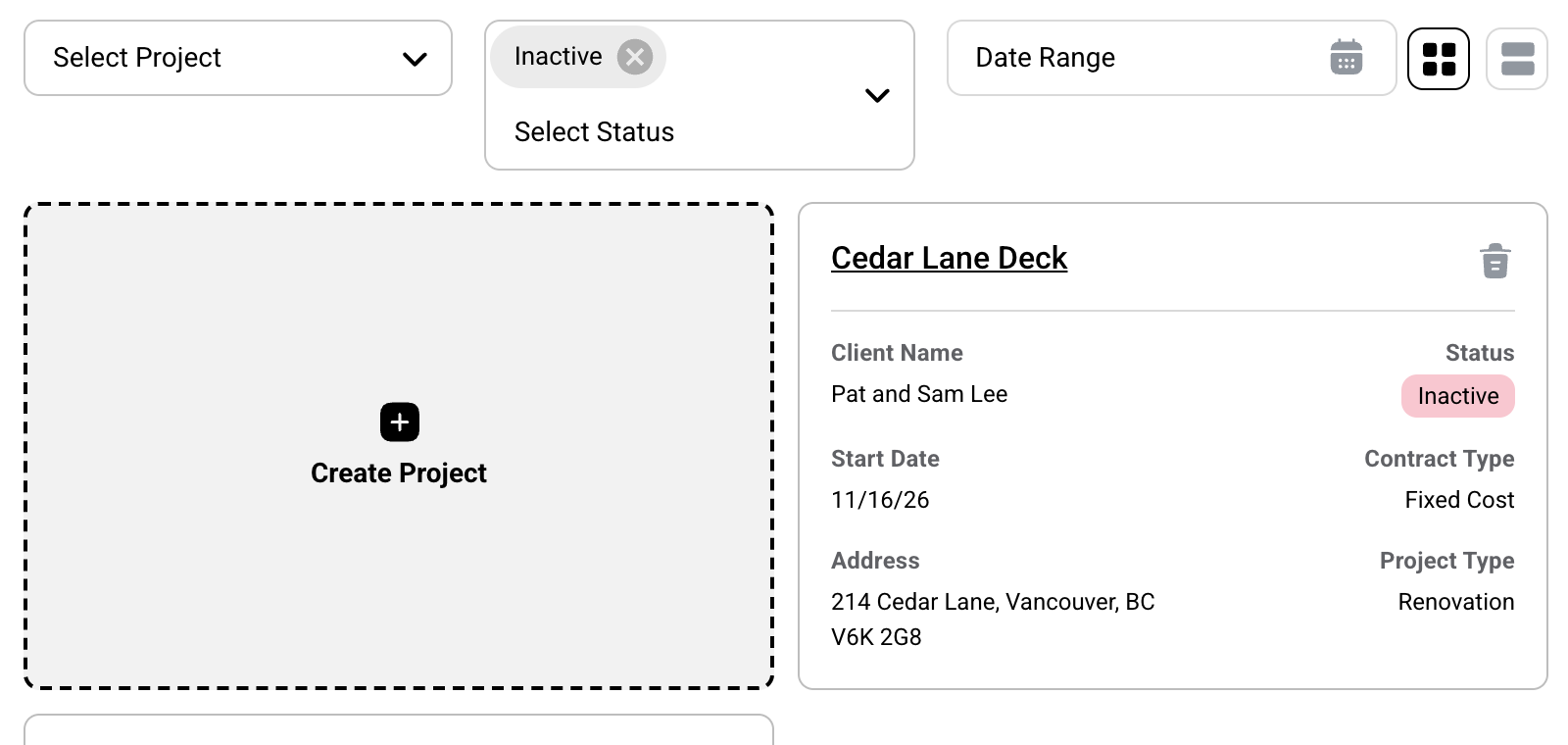
The Projects page opens on Active projects only, so the project no longer shows there. To see it, click Select Status and pick Inactive.
Result: Projects page when it opens (Active only)
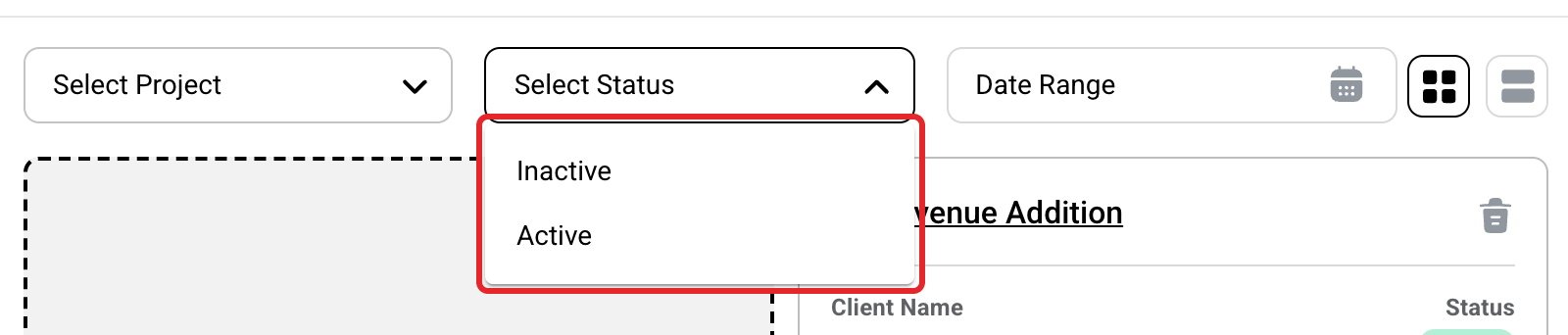
Result: Select Status set to Inactive
Set it back to Active
Changed your mind? Open the project, go back to Project Status, pick Active and click Save.
What changes when a project is Inactive
| Where | What you see |
|---|---|
| Projects | Hidden until you pick Inactive in Select Status, or pick the project in Select Project. |
| Labor, Budgets, Job Costing, Financials | Hidden until you pick the project in the filter. |
| Estimates, Change Orders | Hidden when the page opens. Picking the project in the filter shows nothing. Clear the filter to see every project, Active and Inactive. |
| Expenses | Still shows. This page lists every project. |
| Job Logs | Hidden until you set a filter. New job logs can only go on Active projects. |
| Mobile app | When you track time or upload a receipt, the project list shows Active projects. Search by name to find an Inactive one. |
Inactive is not Delete
An Inactive project keeps everything on it. Deleting a project erases it for good. If the job is done, make it Inactive. See Delete a Project.
Who can do this
Owners, Administrators and Managers can change a project's status. Members cannot.
If you have any questions or need support:
💬 Click the beacon on this page to chat with us
📩 Click the beacon on this page to email us