Release and Send an Invoice
Releasing an invoice locks in what your client is billed. Then share it by link or email.
Here are the steps to follow:
Release the invoice
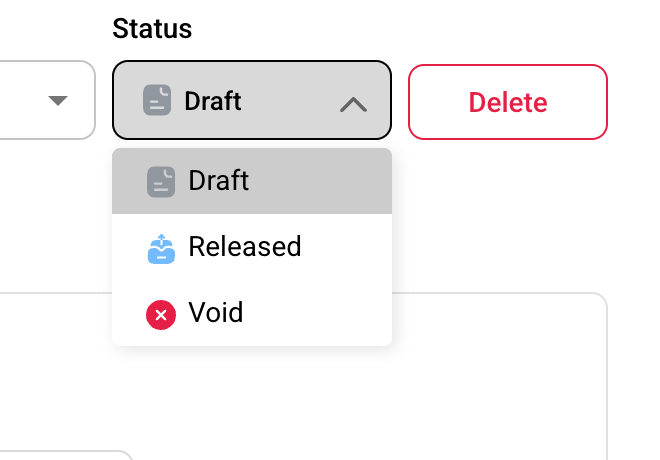
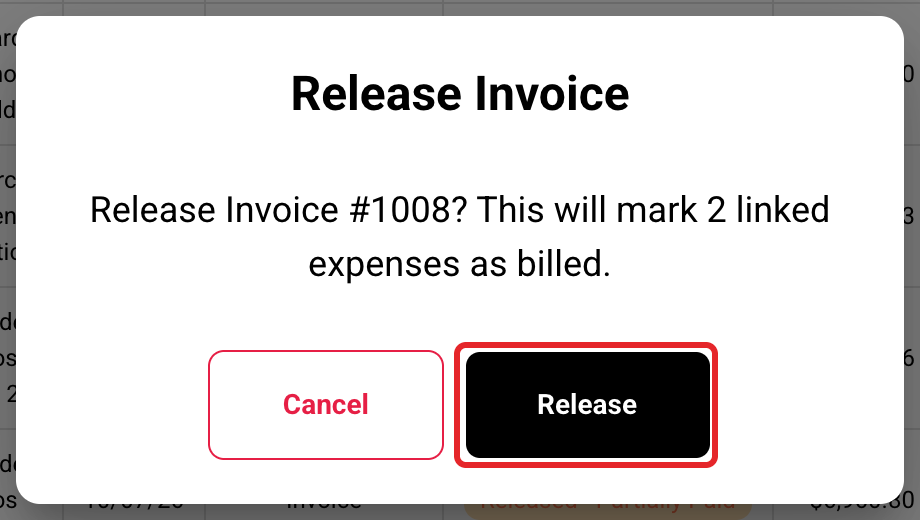
Click Release on the invoice's row, or pick Released in the Status box on the invoice. Buildwise asks you to confirm.

Choose what to share
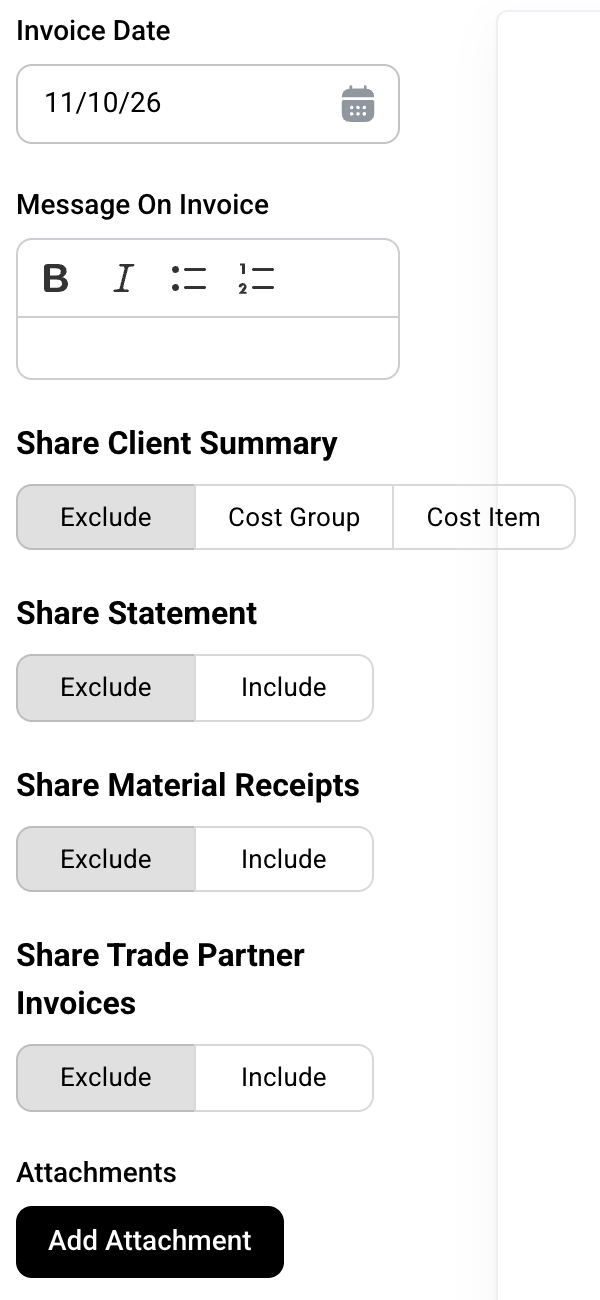
Open the Share tab. Set the Invoice Date, add a Message On Invoice, and pick what goes with it.
Copy, preview or download
Copy Url copies the client's link. Client Preview shows what your client sees. Download saves the PDF.

Email it
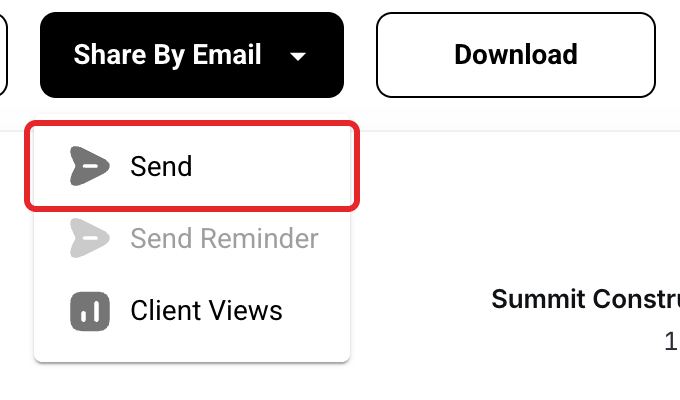
Click Share By Email, then Send. Type the email address (several with commas between them), check the Subject and Body, and click Share. Sending a draft releases it first.
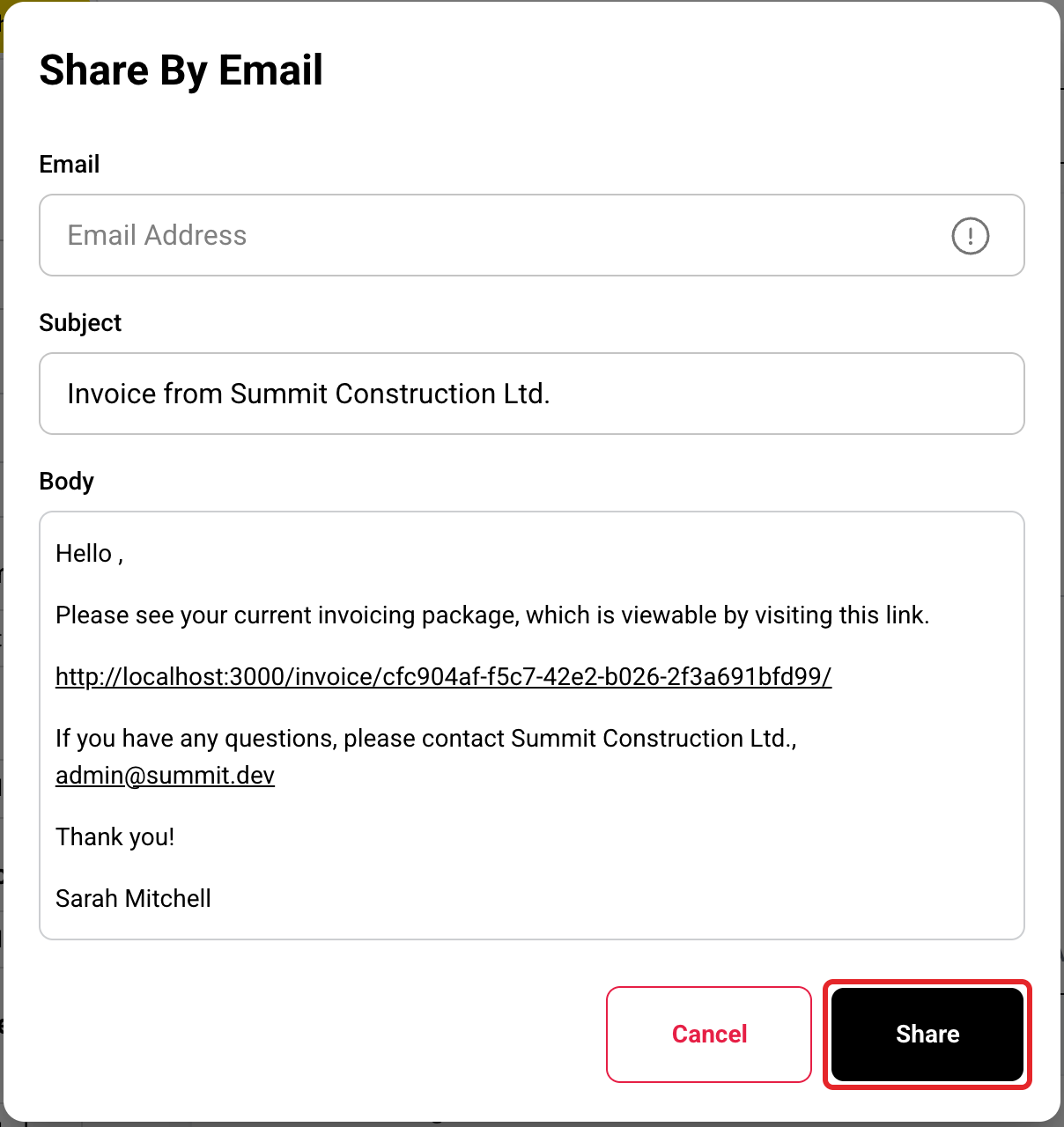
Send a reminder
For a released invoice that isn't fully paid, click Share By Email, then Send Reminder. Buildwise never sends reminders by itself. Client Views shows when your client opened it.
What happens when you release
| What | Result |
|---|---|
| Expenses on the invoice | Their Billed box is ticked. |
| Figures | Saved as sent, so your client always sees the same numbers. |
| Footer | Names you as the contact for questions. |
| Can't release | An invoice with no lines, or one that would bill a cost group past its contract. |
The Share tab choices
| Choice | What it adds |
|---|---|
| Share Client Summary | Cost Plus only. Exclude, Cost Group or Cost Item. This choice is saved for the whole project. |
| Share Statement | The project's Statement of Account up to the invoice date. |
| Share Material Receipts | Cost Plus only. The receipts of the materials on this invoice. |
| Share Trade Partner Invoices | Cost Plus only. The trade partner bills on this invoice. |
| Add Attachment | Your own files, up to 15 MB in total. |
What your client sees
The link opens without a login and never expires. Your client can Print or Download PDF. A draft doesn't open for them.

Email size
If the receipts add up to more than 18 MB, the email links to them instead of attaching them. If everything adds up to more than 20 MB, nothing is sent and you get an email explaining why.
Clients can't pay online
Your client pays you outside Buildwise. Record each payment yourself. See Record Payments, Deposits and Credit Memos.
If you have any questions or need support:
💬 Click the beacon on this page to chat with us
📩 Click the beacon on this page to email us