Change Password
Users can change their password on the Profile settings page. Users with Member role permissions can only update their Profile via the mobile app.
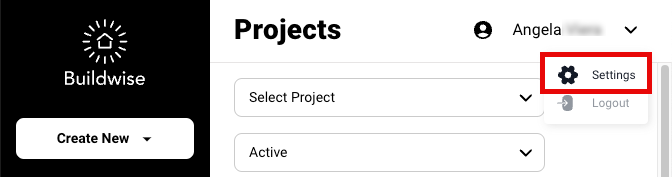
Go to the upper-right of any page and click the dropdown arrow next to your name.
Select Settings.
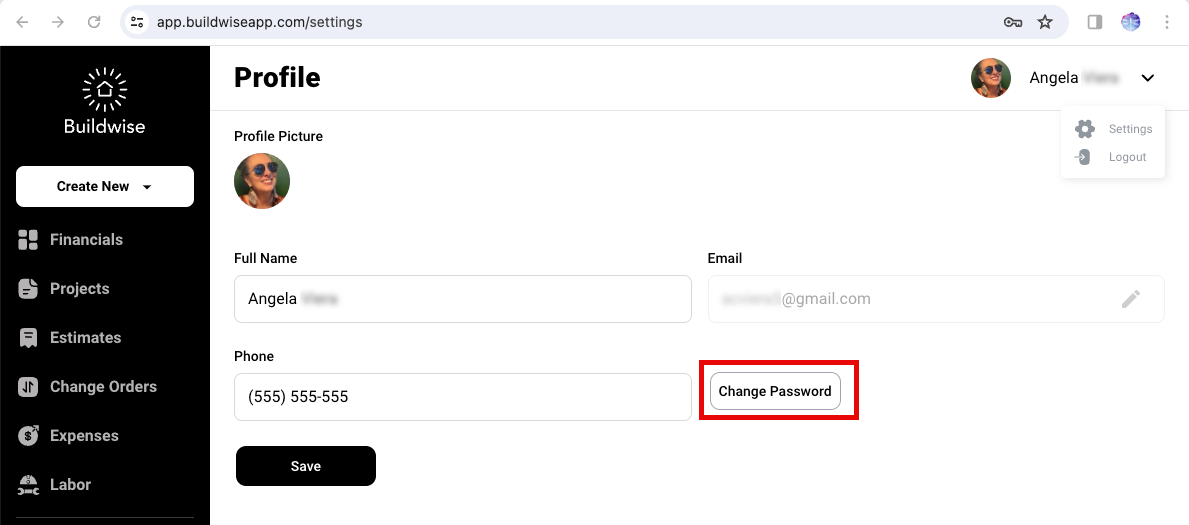
Click Change Password.
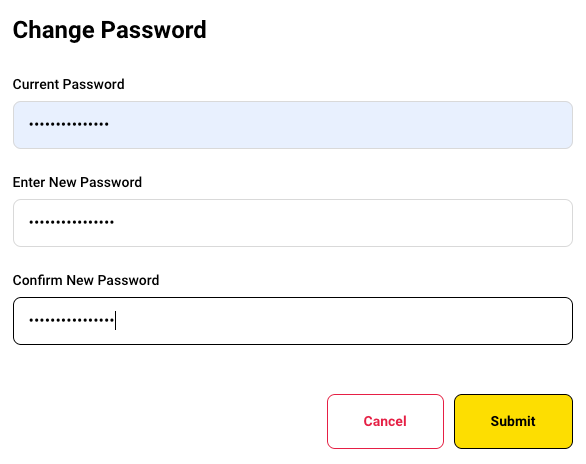
Enter your Current Password.
Enter your New Password and Confirm.
Click Submit. You are returned to your Profile page and a confirmation message displays.
Note: If you forgot your password, log out and refer to Forgot Password.
If you have any questions or need support:
💬 Click the beacon on this page to chat with us
📩 Click the beacon on this page to email us