Emails Your Team Gets From Buildwise
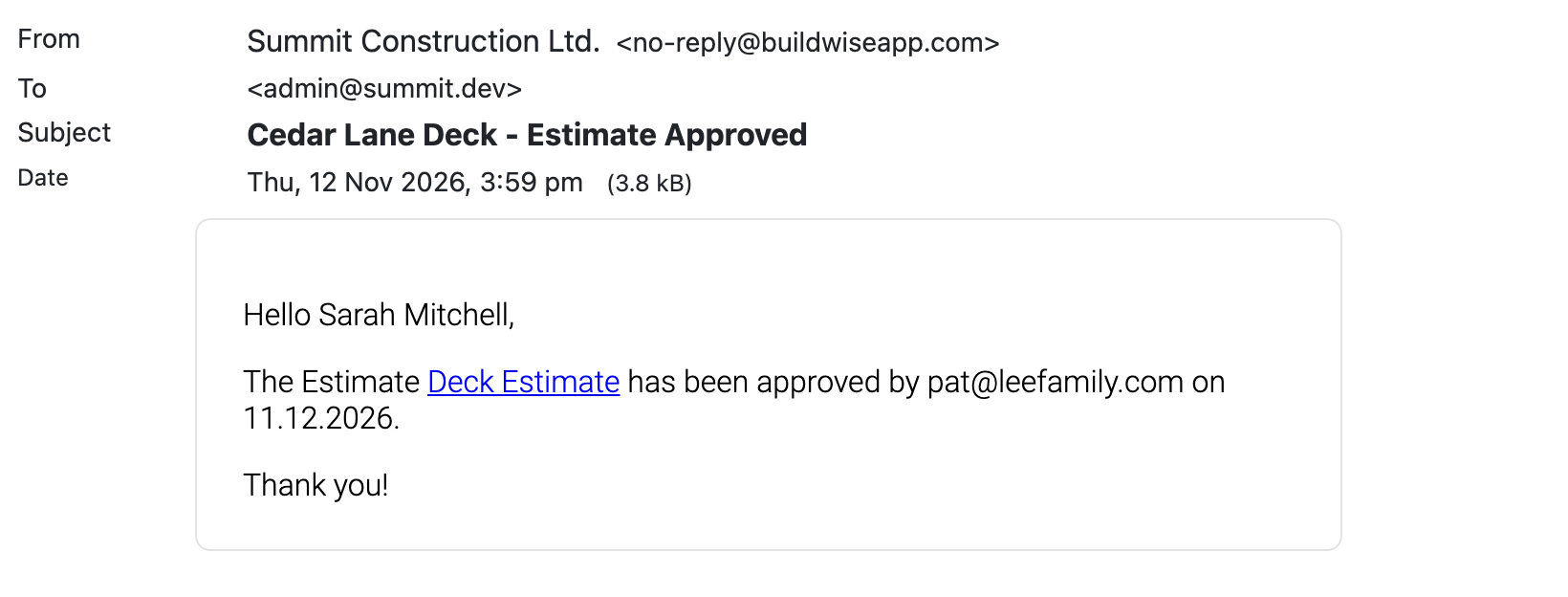
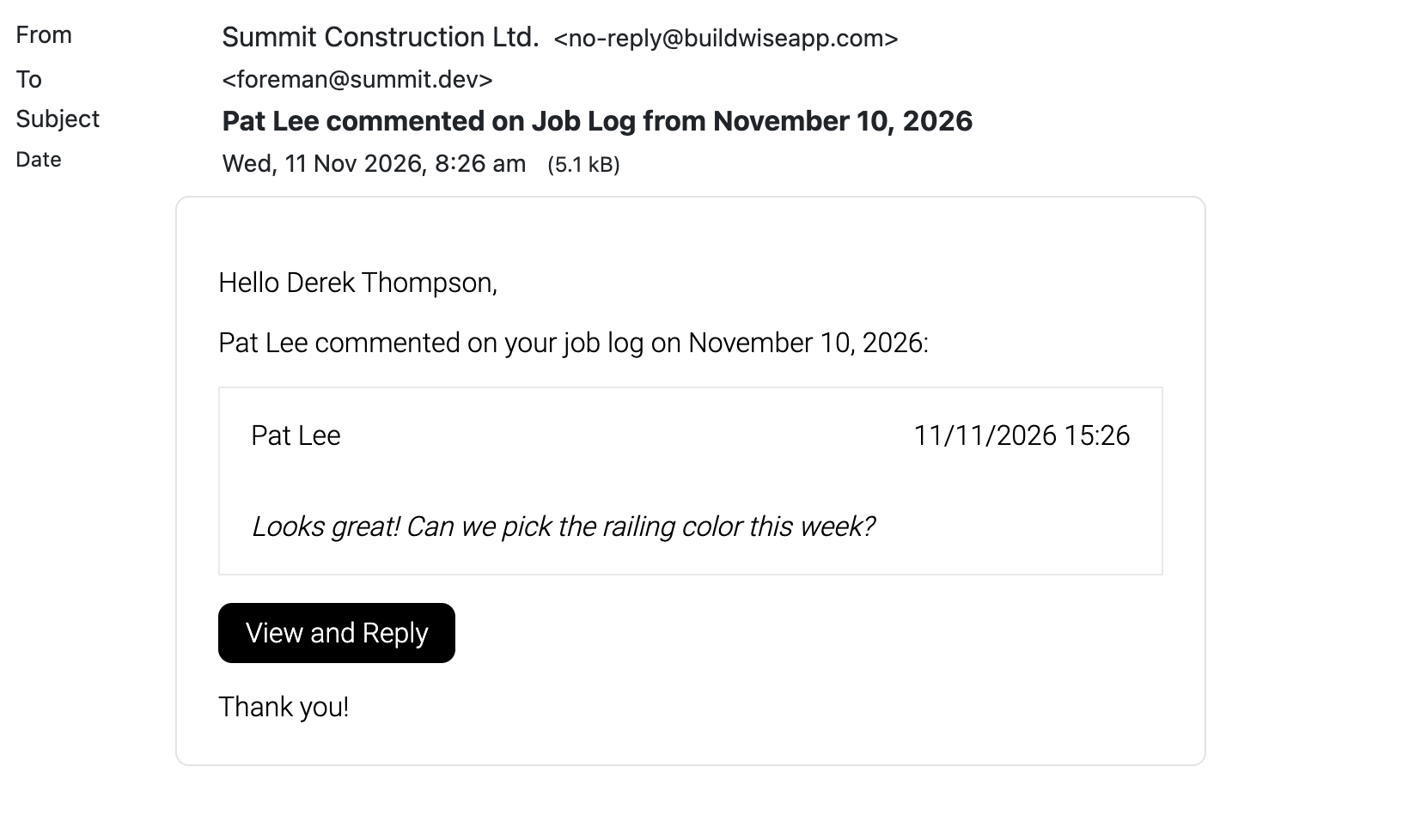
Buildwise emails people on your team when a client approves or declines, when a client comments on a job log, when you share a Scope of Work, and when an invoice email can't go out.
The emails
| When it's sent | Who gets it | |
|---|---|---|
| [Project name] - Estimate Approved | A client approves an estimate | The team member whose Share email the client opened |
| [Project name] - Estimate Declined | A client declines an estimate | The team member whose Share email the client opened |
| [Project name] - Change Order Approved | A client approves a change order | The team member whose Share email the client opened |
| [Project name] - Change Order Declined | A client declines a change order | The team member whose Share email the client opened |
| [Client name] commented on Job Log from [log date] | A client adds a new comment to a job log | The team member who wrote the job log, not the one who shared it |
| [Client name] replied on Job Log from [log date] | A client replies to a comment on a job log | The team member who wrote the job log, not the one who shared it |
| Estimate SOW for [project name] | You share the Scope of Work from an estimate's SOW tab | The team addresses you typed, all in one email |
| Change Order SOW for [project name] | You share the Scope of Work from a change order's SOW tab | The team addresses you typed, all in one email |
| Your invoice email was not sent | The attachments on an invoice email add up to more than 20 MB | The person who clicked Send or Send Reminder on the invoice |
| Your invoice email could not be generated | Buildwise hit an error making the invoice documents | The person who clicked Send or Send Reminder on the invoice |
The two invoice emails come from Buildwise, not from your company name.
When someone on your team adds their own new comment to a job log, no email is sent.
See also Scope of Work for Your Team (SOW Tab), Track Client Views and Status Emails and Emails Your Clients Get From Buildwise.
💬 Have a question? Click the round message button in the bottom-right corner of this page, then click Send a message. We usually reply within a few hours.