Emails Your Clients Get From Buildwise
Here is every email your client can get from Buildwise, what it's called and what they click to open it. You send these from the web app.
Who the email comes from
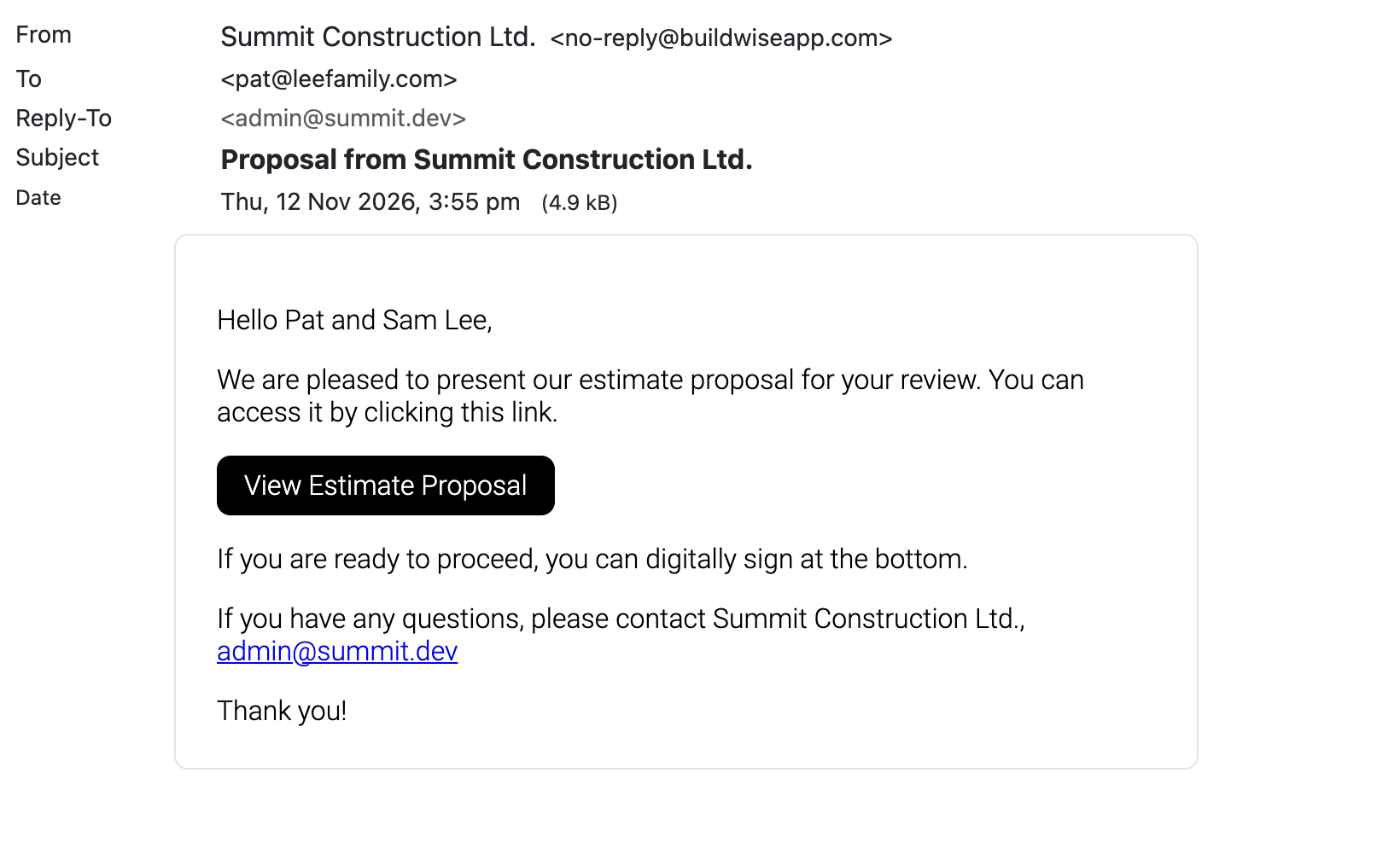
Every email shows your company name as the sender, from no-reply@buildwiseapp.com. When your client clicks Reply on an email you shared, it goes to the team member who sent it.
Emails you share
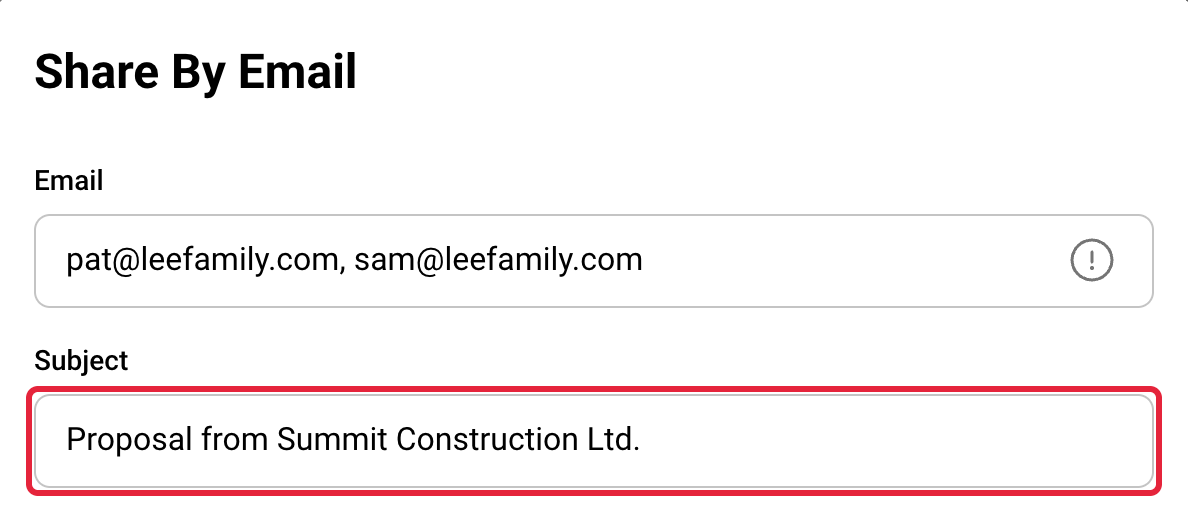
When you share by email, Buildwise fills in the Subject. You can change it before you send.
| What you share | Subject filled in | What your client clicks |
|---|---|---|
| Estimate | Proposal from [company name] | View Estimate Proposal |
| Change order | Change order from [company name] | View Change Order |
| Client Summary | Summary from [company name] | View Client Summary |
| Invoice | Invoice from [company name] | View Invoice |
| Payment reminder (Send Reminder) | Payment Reminder - Invoice #[number] | View Invoice |
| Schedule | Schedule from [company name] | View Schedule |
| Job log | Job Log from [company name] | View Log |
Emails Buildwise sends by itself
| When | Sent to | |
|---|---|---|
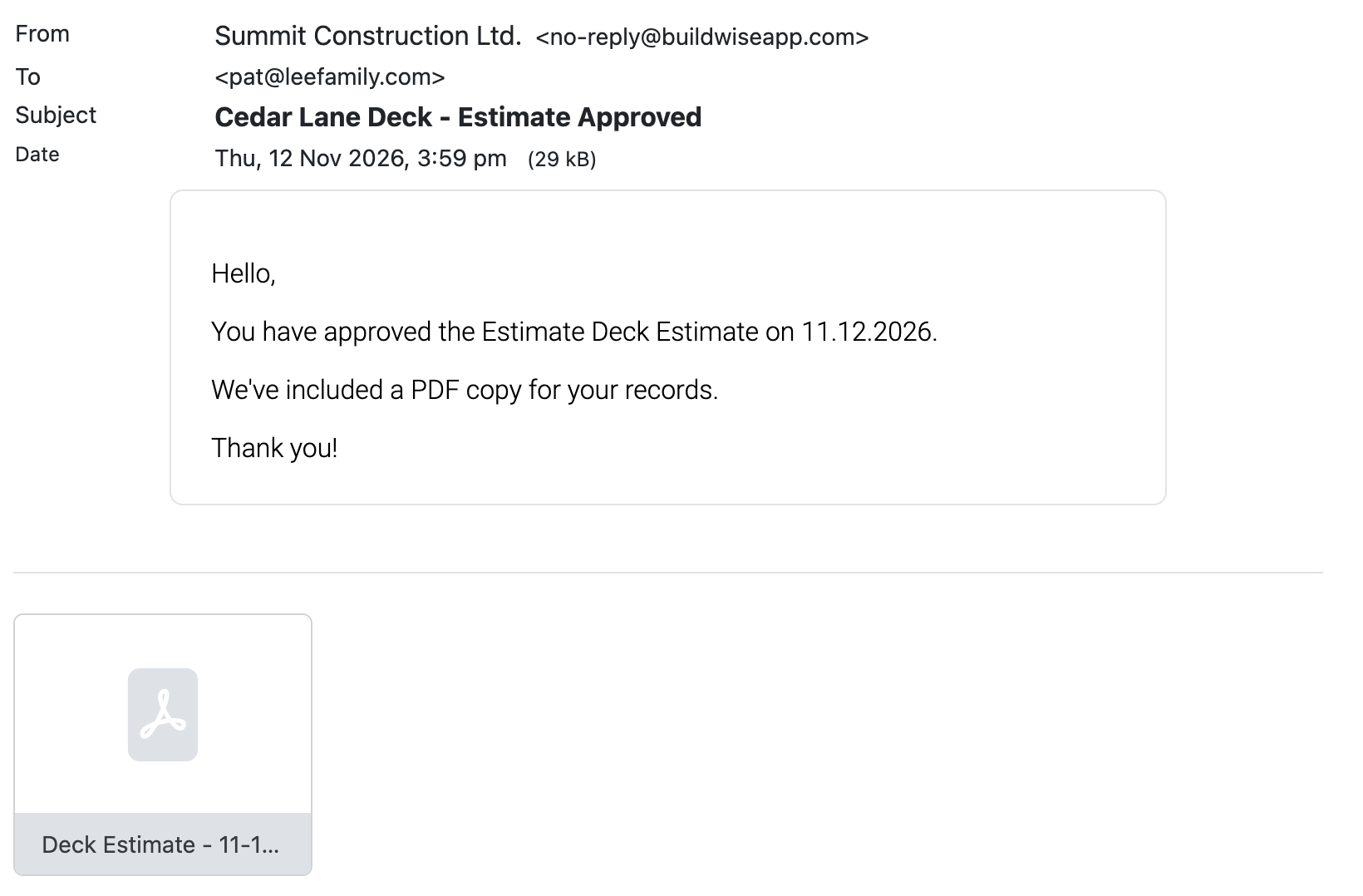
| [Project name] - Estimate Approved | Your client approves an estimate | The client who approved, with the signed PDF attached |
| [Project name] - Change Order Approved | Your client approves a change order | The client who approved, with the signed PDF attached |
| [Team member] replied on Job Log from [log date] | Someone on your team replies to a client's comment on a job log | Every client email on the project. It has a View and Reply button. |
Your client gets no email when they decline. To see the emails your team gets, see Emails Your Team Gets From Buildwise.
Good to know
- Each person you send to gets their own copy of the email.
- If the attachments add up to more than 20 MB, the email is stopped and nothing is sent.
- When the backup receipts on an invoice are too big to attach, the email gives your client a link to view, print or download them instead.
See also Track Client Views and Status Emails, Why didn't my client get an email from Buildwise?, Share Estimates and Share Change Orders.
💬 Have a question? Click the round message button in the bottom-right corner of this page, then click Send a message. We usually reply within a few hours.