Stop Time Tracking in the App
When you finish work, stop the timer and check the end time. Then sort your hours so they reach the project.
Here are the steps to follow:
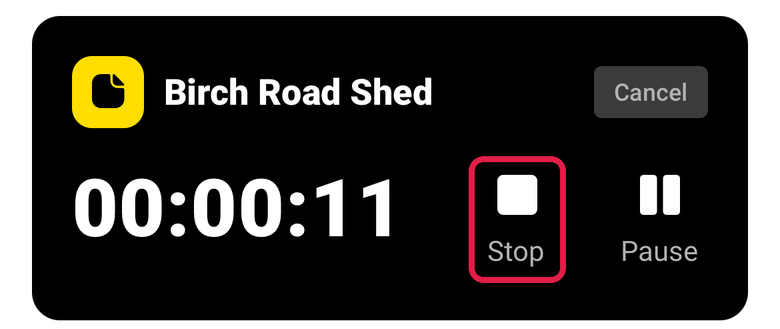
Tap Stop
Tap Stop on the timer.
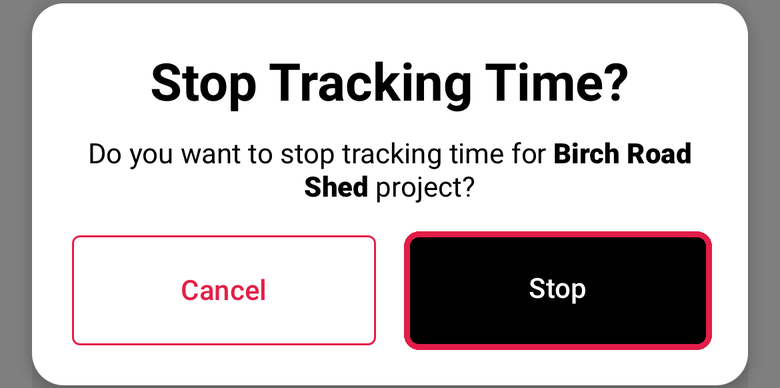
Confirm
A popup opens: Stop Tracking Time? Tap Stop. Tap Cancel to keep the timer running.
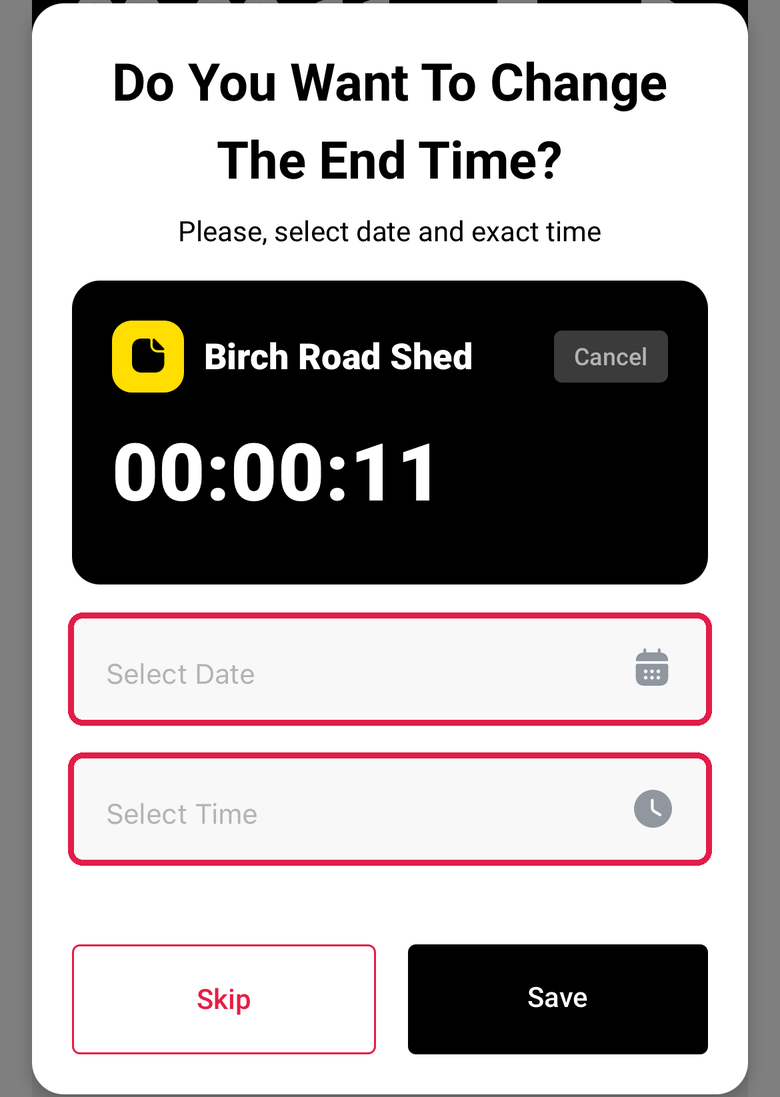
Check the end time
A popup opens: Do You Want To Change The End Time? If you stopped right when you finished, tap Skip. To fix it, tap Select Date and Select Time, pick when you really stopped, then tap Save.
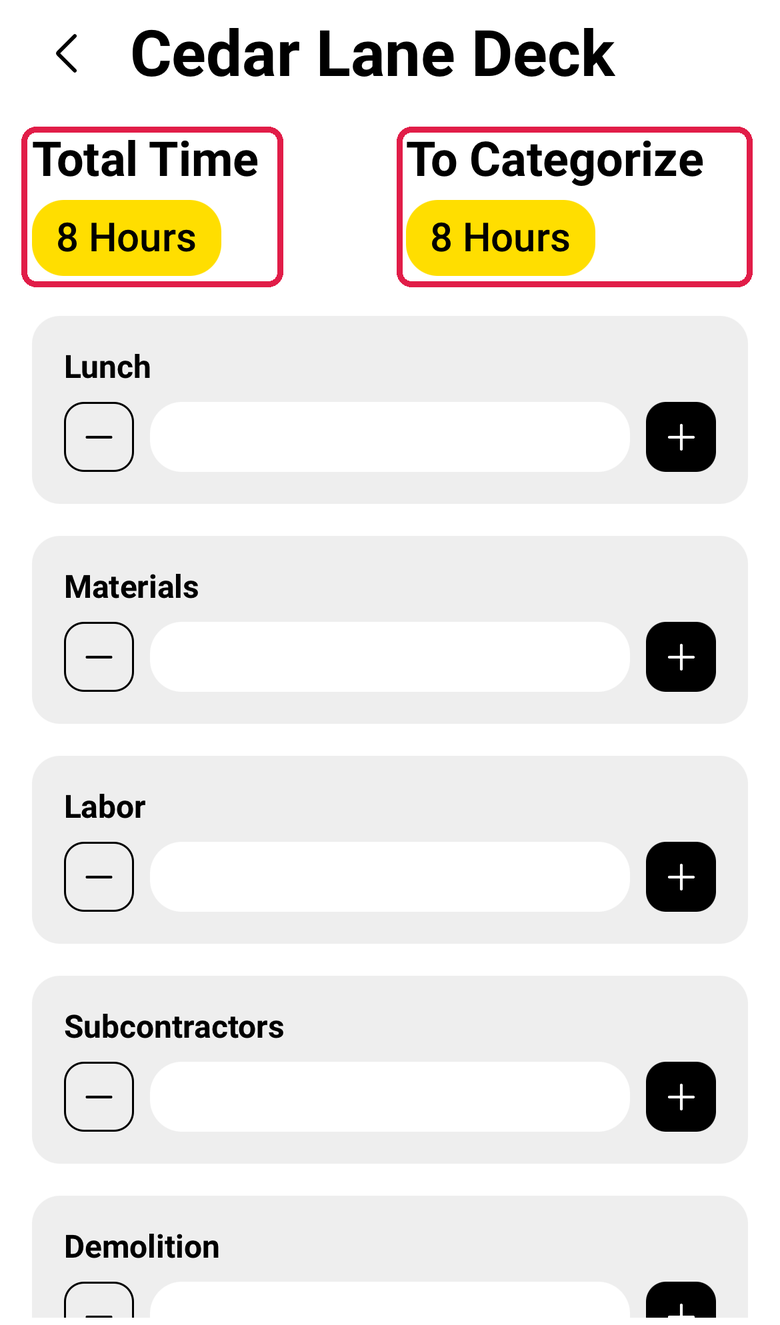
Sort your hours
Next, split your hours across the cost groups you worked on. See Categorize Time in the App.
What end time can I pick?
Any time after the timer started and no later than when you tapped Stop. The date can be the day the timer started or a later day, up to today. Skip keeps the time as it was.
💬 Have a question? Click the round message button in the bottom-right corner of this page, then click Send a message. We usually reply within a few hours.