Why Can't I Sign In?
If Buildwise won't let you in, the message on the Sign In page tells you why. This applies to the web app at app.buildwiseapp.com.
What the message means
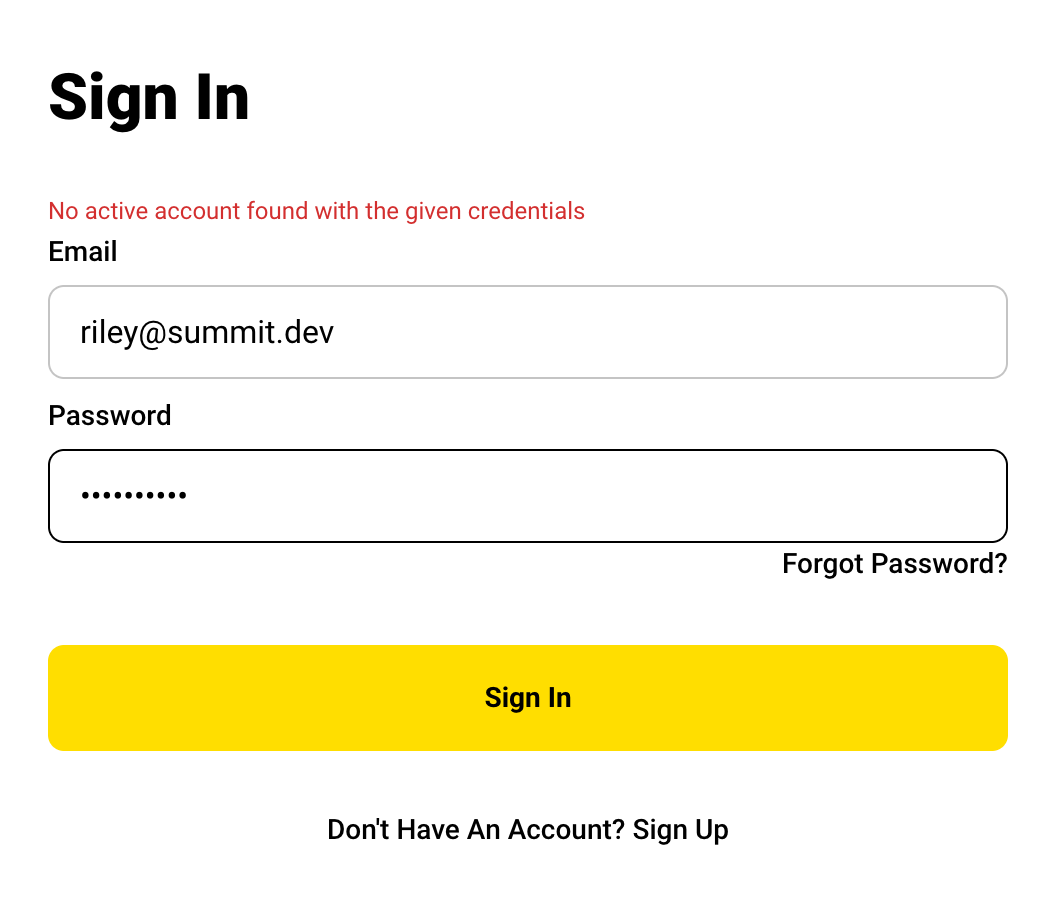
| Message | What to do |
|---|---|
| No active account found with the given credentials | The email or password is wrong, or you haven't used your invite yet. Check both and try again, or reset your password. If you were invited, see Sign Up for Buildwise. |
| Account is deactivated | You were archived. Ask an Owner or Administrator at your company to unarchive you. |
| This company has been deactivated. | Contact Buildwise: click the round message button in the bottom-right corner of this page, then click Send a message. |
| This company is not marked as paid or on trial — access is disabled. | Contact Buildwise: click the round message button in the bottom-right corner of this page, then click Send a message. |
| Too many sign-in attempts. Wait a minute and try again. | There were more than 30 tries in a minute from the same place. Wait a minute, then try again. |
How long you stay signed in
You stay signed in as long as you use Buildwise at least once every 7 days.
These sign you out everywhere, on every computer and in the mobile app:
- Changing your password. See Change Password.
- Resetting your password.
- Confirming a new sign-in email. See Update Personal Profile.
Password rules
| Page | Shortest password |
|---|---|
| Sign Up, Join now and Reset password | 8 characters |
| Change Password on your Profile page | 6 characters |
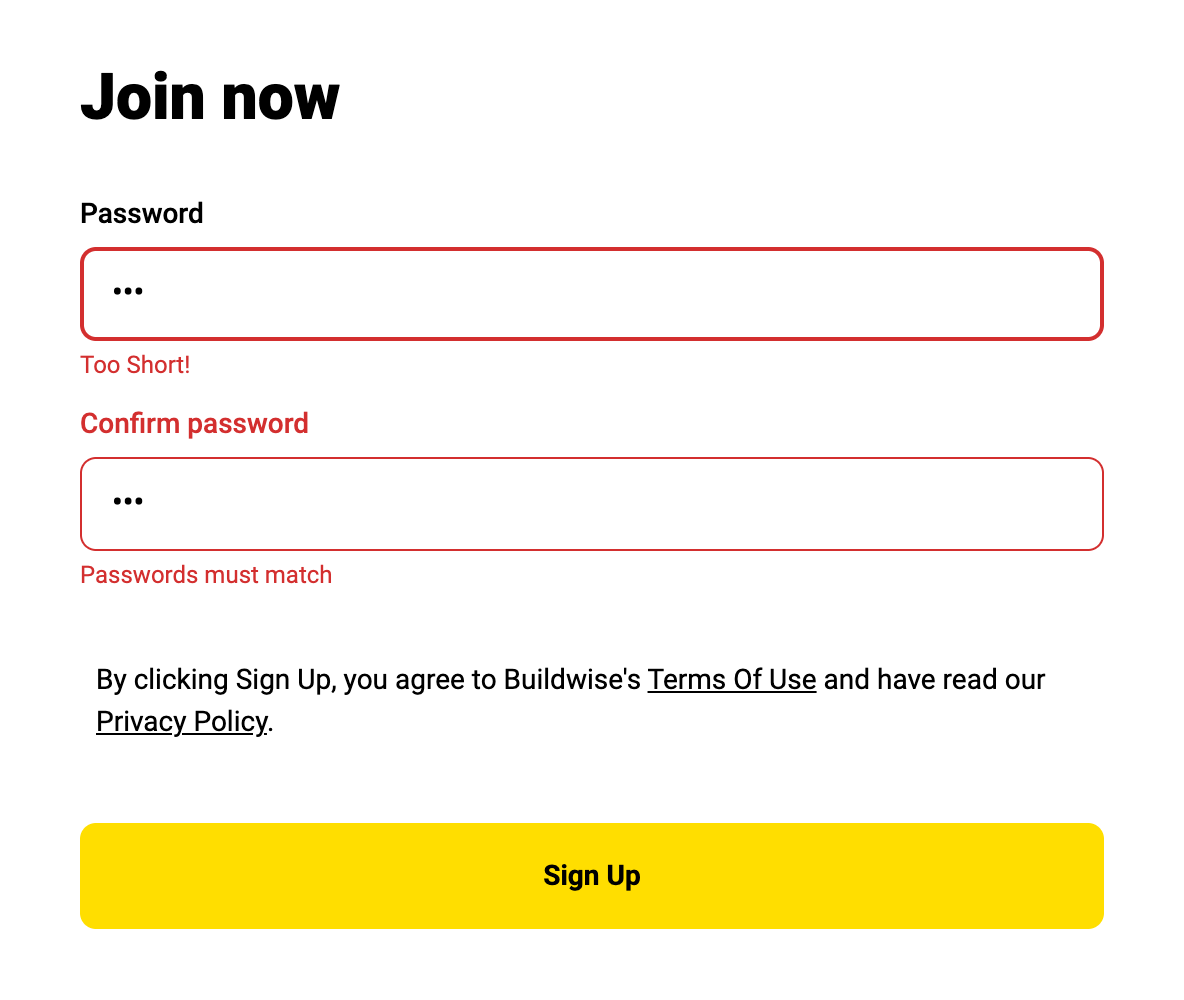
If a password is too short, the page says Too Short!. If the two boxes are different, it says Passwords must match.
Your email is not case sensitive. Alex@Summit.com and alex@summit.com sign in to the same account.
💬 Have a question? Click the round message button in the bottom-right corner of this page, then click Send a message. We usually reply within a few hours.