Add an Expense on the Web
Every cost on a job goes in as an expense: a receipt, a trade partner's bill, or hours worked. Add it on the project's Expenses tab, or on the Expenses page in the left menu.
Here are the steps to follow:
Open Expenses
Open the project and click the Expenses tab. Or click Expenses in the left menu to see every project at once.

Click Add
Click Add. A new row opens at the top of the table with today's date.


Fill in the row
Pick the Cost Group and COG. On the Expenses page in the left menu, pick the Project too. Then type the Quantity, pick the Unit Type and type the Unit Cost. To enter a credit, put a minus sign in front of the Unit Cost.

Pick the Employee
Labor expenses need an Employee. For any other COG you can leave it blank, and Buildwise fills in the person entering the expense.
Check the Mark-Up %
The Mark-Up % comes from the project's markup for that COG. On a Cost Plus project you can change it, and Buildwise asks you to confirm. On a Fixed Cost project it always uses the project's markup.

Set the tax
Tick Tax if the receipt has tax on it. To learn how, see Add Tax to an Expense, or Add Tax to an Expense in a Multi-Tax Account if you charge GST and PST.
Save the row
Press Enter or click outside the row. You will see Your changes have been saved successfully! If a box turns red, it is required and still empty.
Result: the row is saved

Attach the receipt
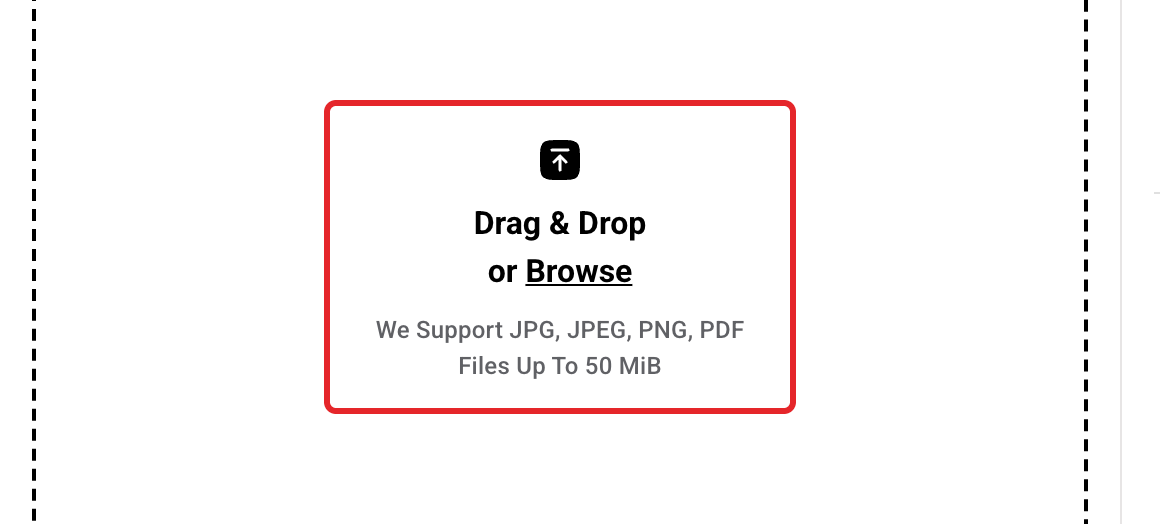
Click the icon in the Files column. The expense opens. Drag the receipt into the box on the left, or click Browse. Each expense holds one file: a JPG, JPEG, PNG or PDF up to 50 MB. Click Save.

What the money columns show
| Column | What it shows |
|---|---|
| Cost | Quantity x Unit Cost |
| Tax $ | The tax in dollars. Multi-tax accounts show GST $ and PST $ instead. |
| Total $ | Cost + tax. It should match the receipt. Markup is not included. |
| Mark-Up $ | Cost x Mark-Up %. On a multi-tax row with PST ticked, it is (Cost + PST) x Mark-Up %. |
As an example, 2 units at $150.00 with 13% tax and a 12% markup: Cost is 2 x $150.00 = $300.00. Tax $ is $39.00. Total $ is $339.00. Mark-Up $ is $300.00 x 12% = $36.00.
Lunch rows
Lunch is unpaid break time. A Lunch row costs $0, has no tax and no receipt, and is left out of money reports.
Who can add expenses
Owners, Administrators and Managers add expenses on the web. Members add their own expenses from the mobile app, on projects where they have Job Access.
To mark an expense Billed, Unbillable or Approved, see Billed, Unbillable and Approved on an Expense. To split one receipt across cost groups, see Split an Expense.
For company costs that aren't for a project, like rent or software, see Add and Manage Overhead Expenses.
💬 Have a question? Click the round message button in the bottom-right corner of this page, then click Send a message. We usually reply within a few hours.