Emails About Your Buildwise Account
Buildwise emails you about your login: when you're invited, when you reset or change your password, when your account is reactivated, and when your sign-in email changes.
Account emails
| When it's sent | Sent to | Link works for | |
|---|---|---|---|
| Join Our Team | An Owner or Administrator clicks Send invite or Resend invite in Settings | The new team member | 3 days |
| Password reset | Someone clicks Forgot password? on the login page | The person whose account it is | 3 days |
| Password was changed | You change your password with Change Password in Settings. Resetting a forgotten password sends none. | You | No link |
| Account reactivated | An Owner or Administrator unarchives a team member | That team member | Links to the login page |
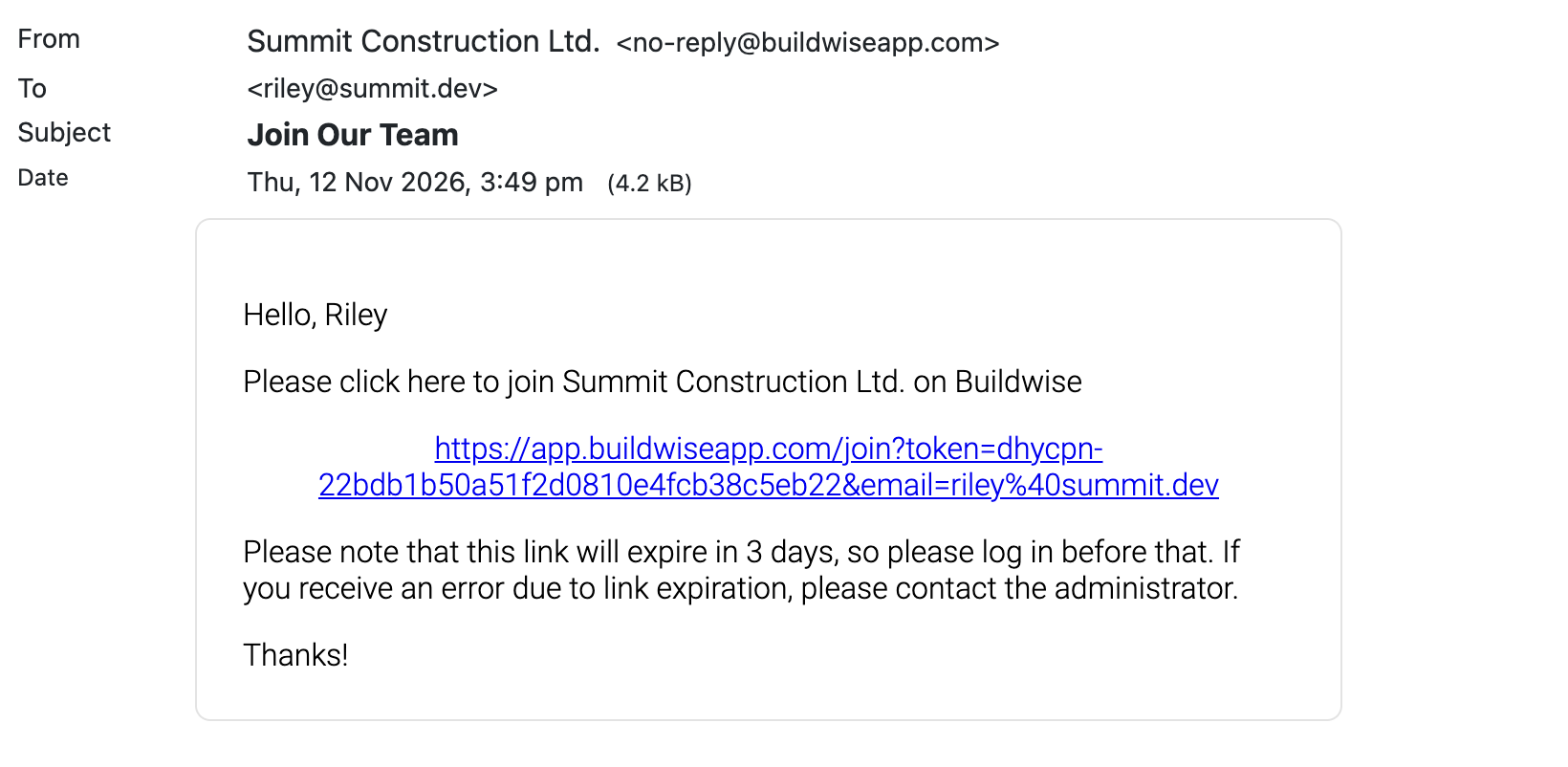
See Add & Invite a Team Member, Archive & Unarchive a Team Member, How do I reset my password if I forgot it and Change Password.
Change your sign-in email
Open Settings
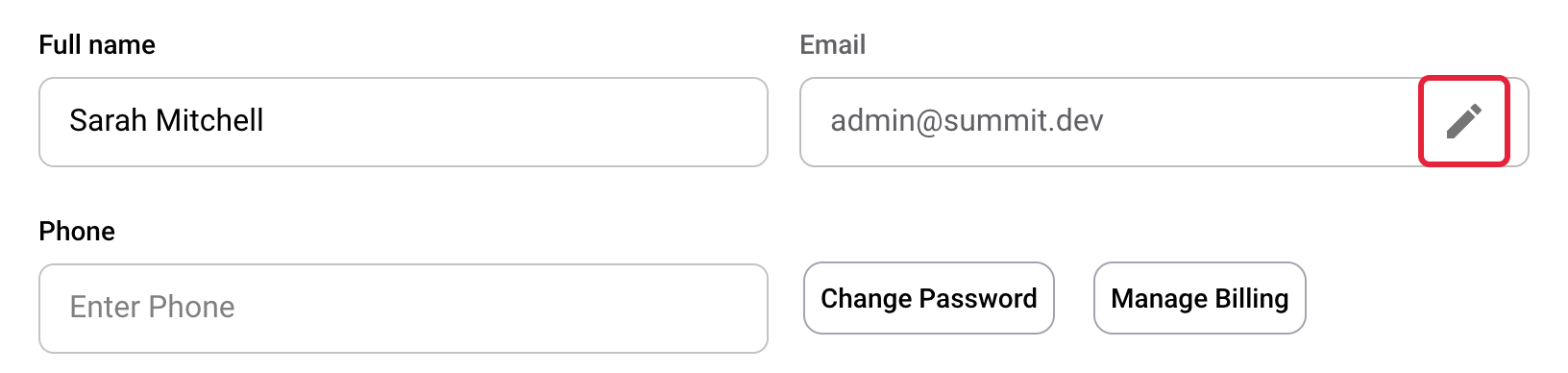
Click Settings at the bottom of the left sidebar. If the sidebar is collapsed, click the gear icon. Your Email is at the top.
Click the pencil
Click the pencil next to Email.
Enter the new address and your password
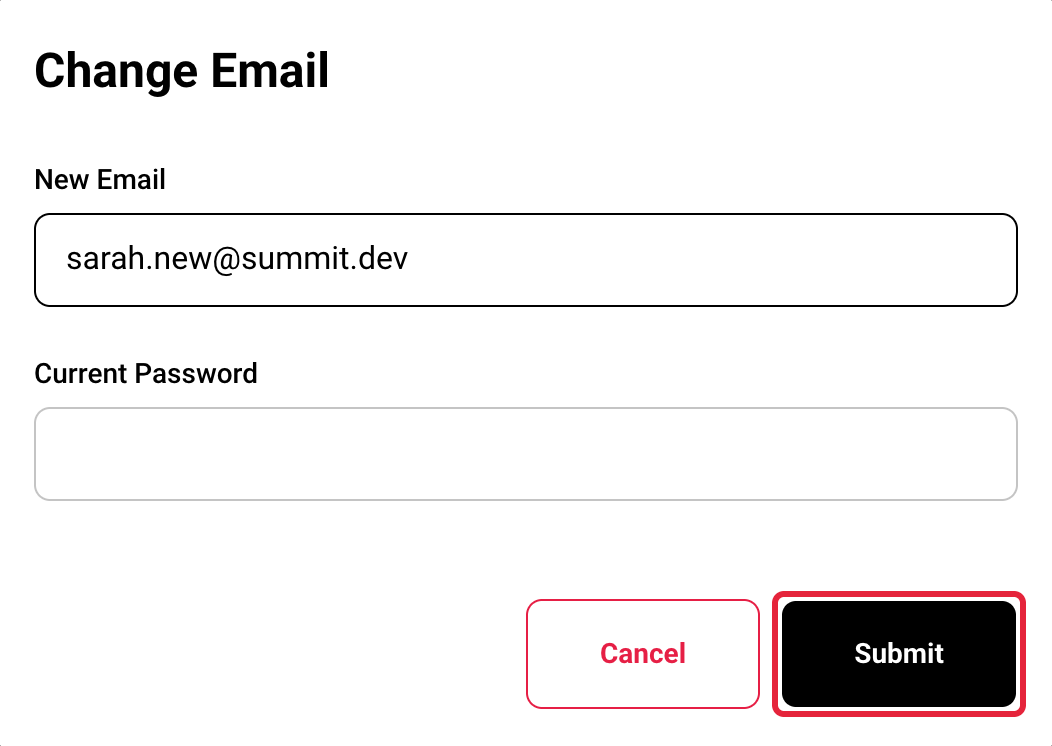
In the Change Email window, type the New Email and your Current Password, then click Submit. You see The email invitation was sent.
Confirm from the new address
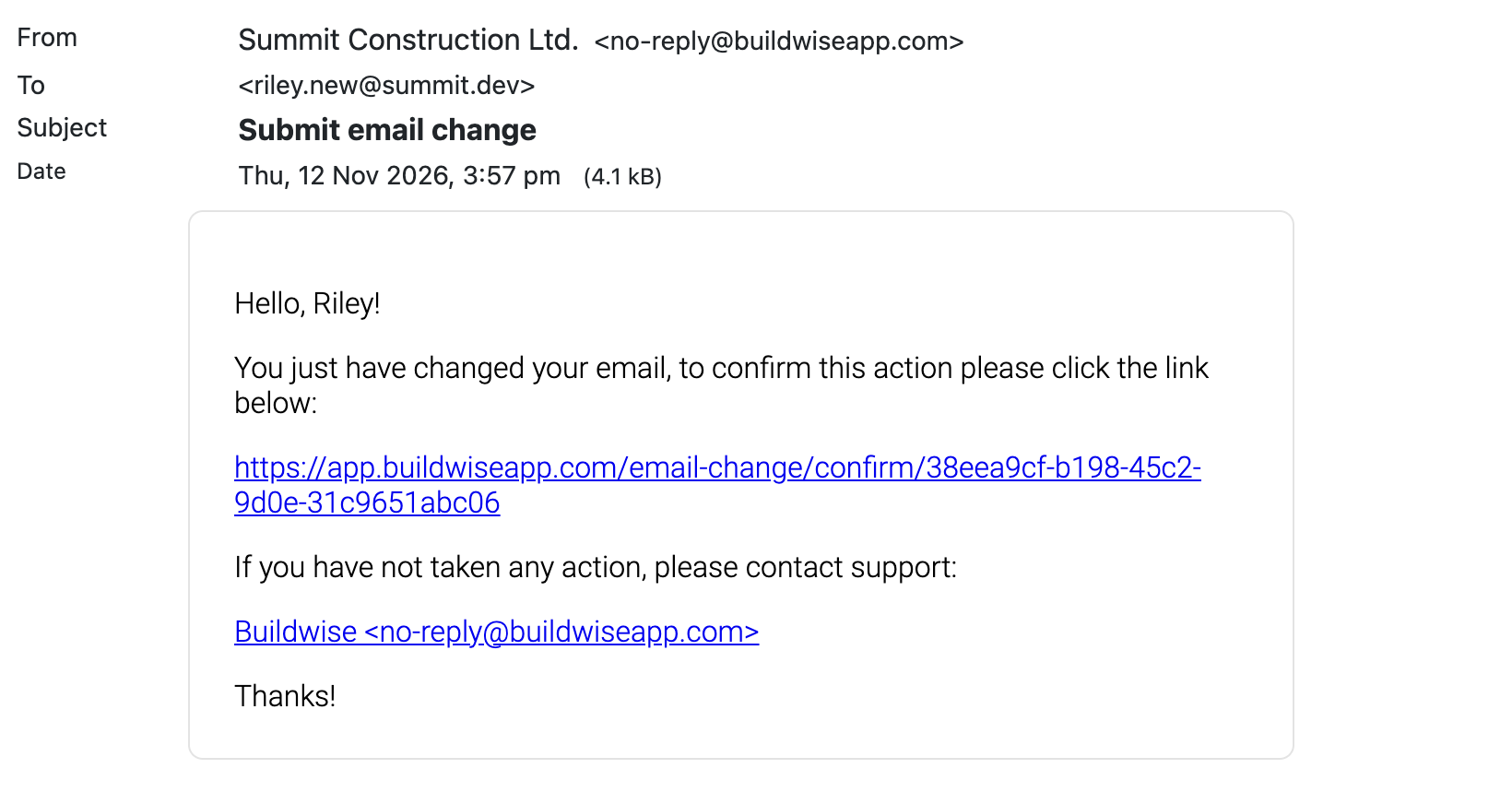
Open the Submit email change email at the new address and click the link. The link works for 24 hours. Nothing changes until you click it.
Emails about a sign-in email change
| When it's sent | Sent to | |
|---|---|---|
| Submit email change | You ask to change your sign-in email | The new address, with a link to confirm. It works for 24 hours. |
| Someone asked to change your Buildwise sign-in email | You ask to change your sign-in email | Your current address, with a link to cancel |
| Email was changed | The change is confirmed | The new address |
| Your Buildwise sign-in email was changed | The change is confirmed | The old address |
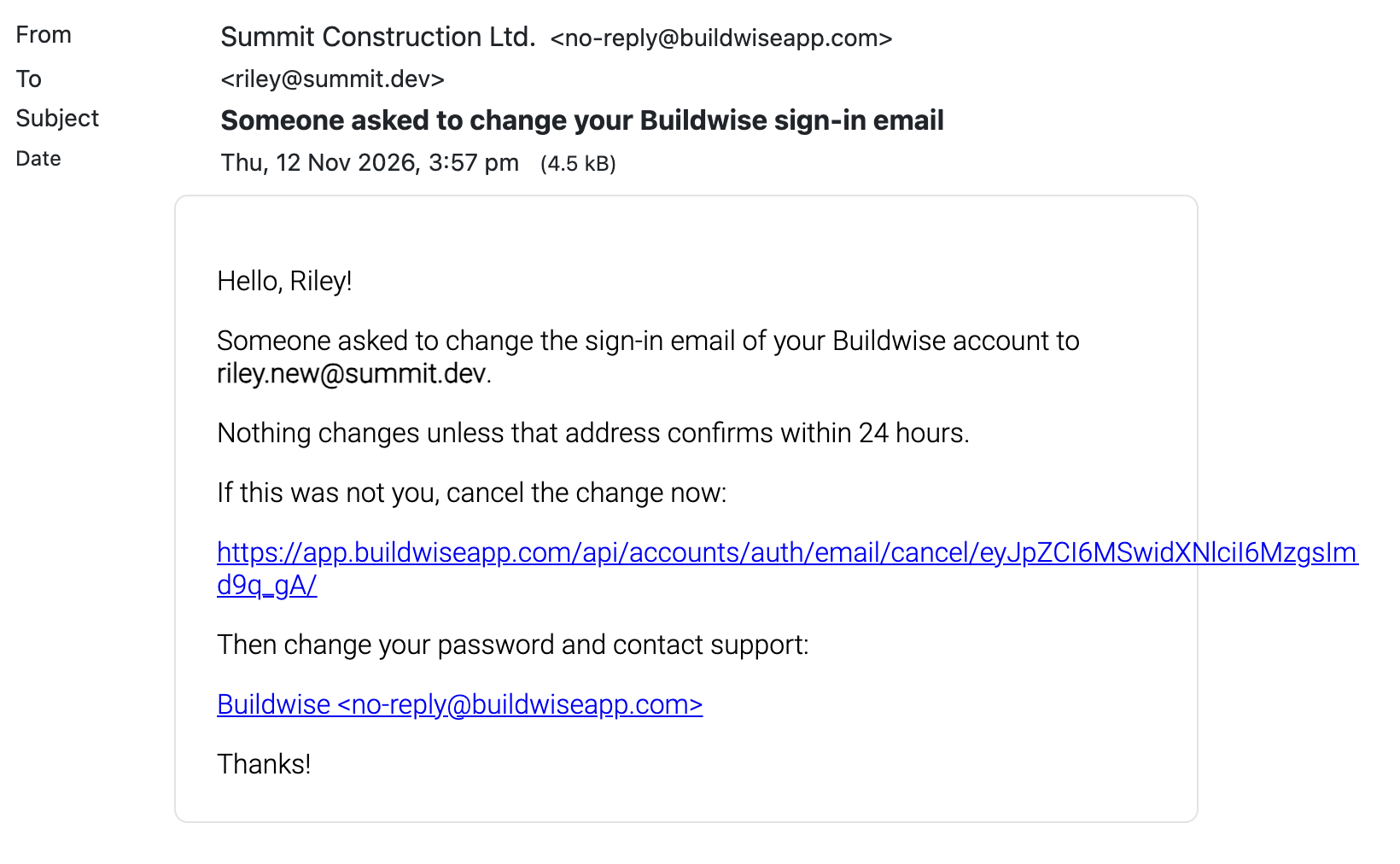
Didn't ask for this?
If you get Someone asked to change your Buildwise sign-in email and it wasn't you, click the cancel link in the email, then change your password.
When an Owner or Administrator changes your email
When an Owner or Administrator changes the email of a team member who has already joined, the email doesn't change right away. The team member gets A company admin asked to change your Buildwise sign-in email at their current address. The email changes once they confirm it.
💬 Have a question? Click the round message button in the bottom-right corner of this page, then click Send a message. We usually reply within a few hours.