Download the Mobile App
Download the Buildwise app to track time, add receipts and write job logs from your phone. Your office adds you on the web app first. There's no sign-up in the app.
Here are the steps to follow:
Get the app
Search Buildwise in the App Store on an iPhone, or in Google Play on an Android phone, and install it.
Log in
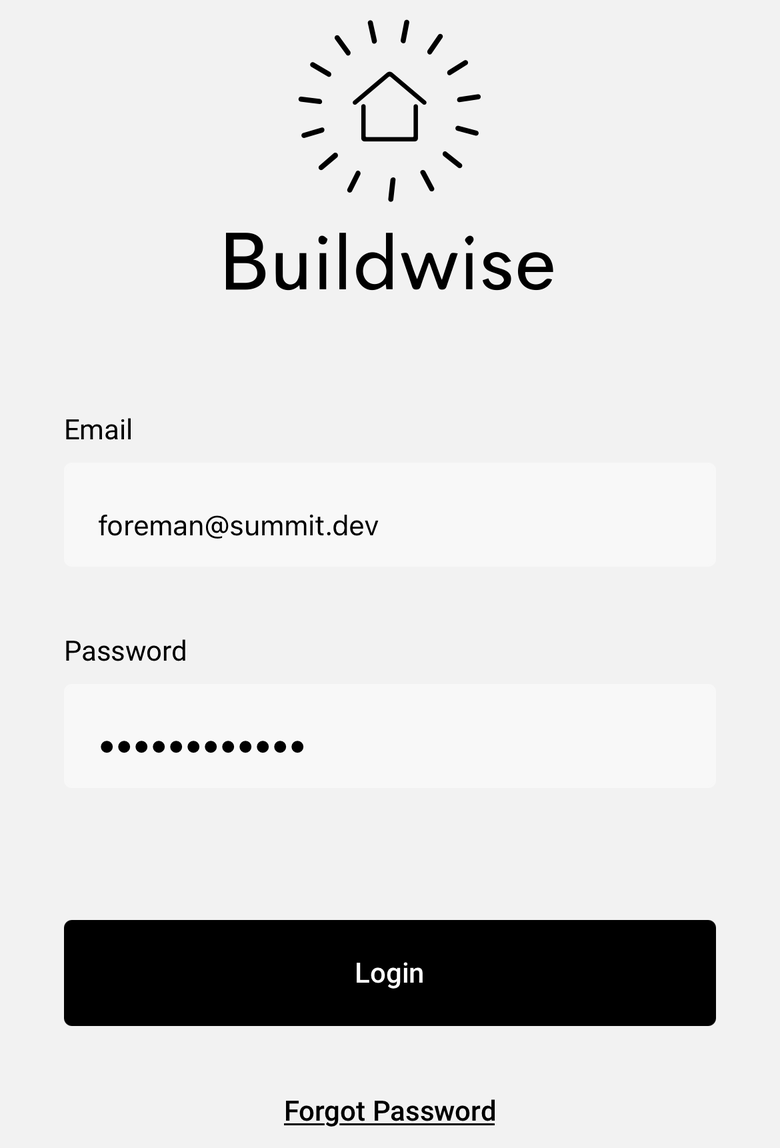
Open the app, type the email and password for your Buildwise account and tap Login. Forgot your password? Tap Forgot Password. It opens the Buildwise website so you can set a new one.
Start using it
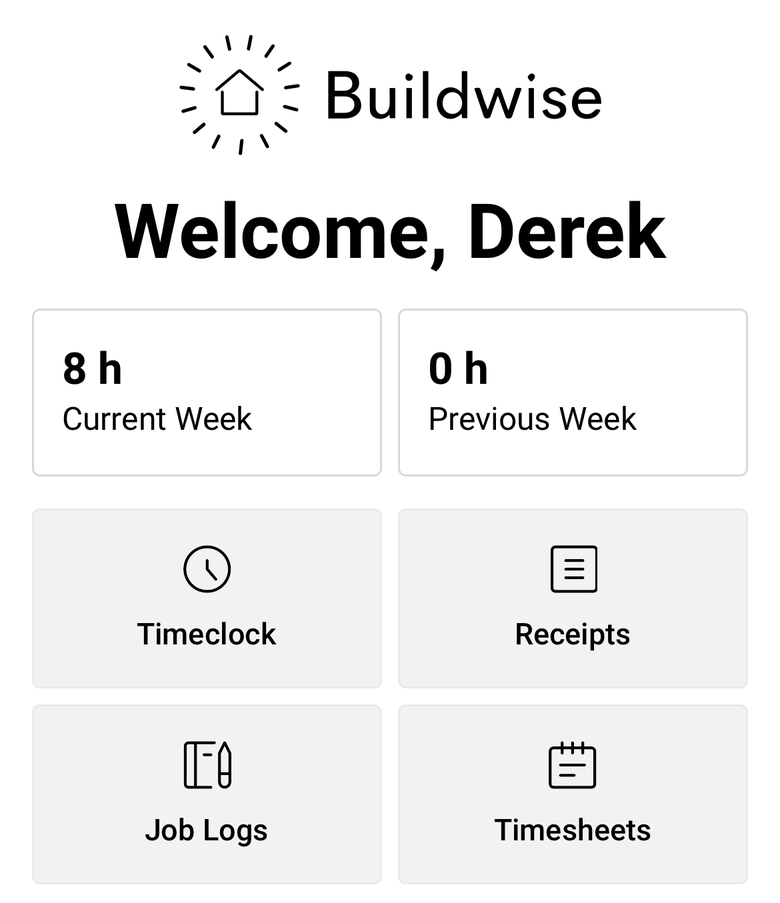
The Home screen shows your hours for this week and last week, and buttons for Timeclock, Receipts, Job Logs and Timesheets. You stay logged in until you sign out.
Settings
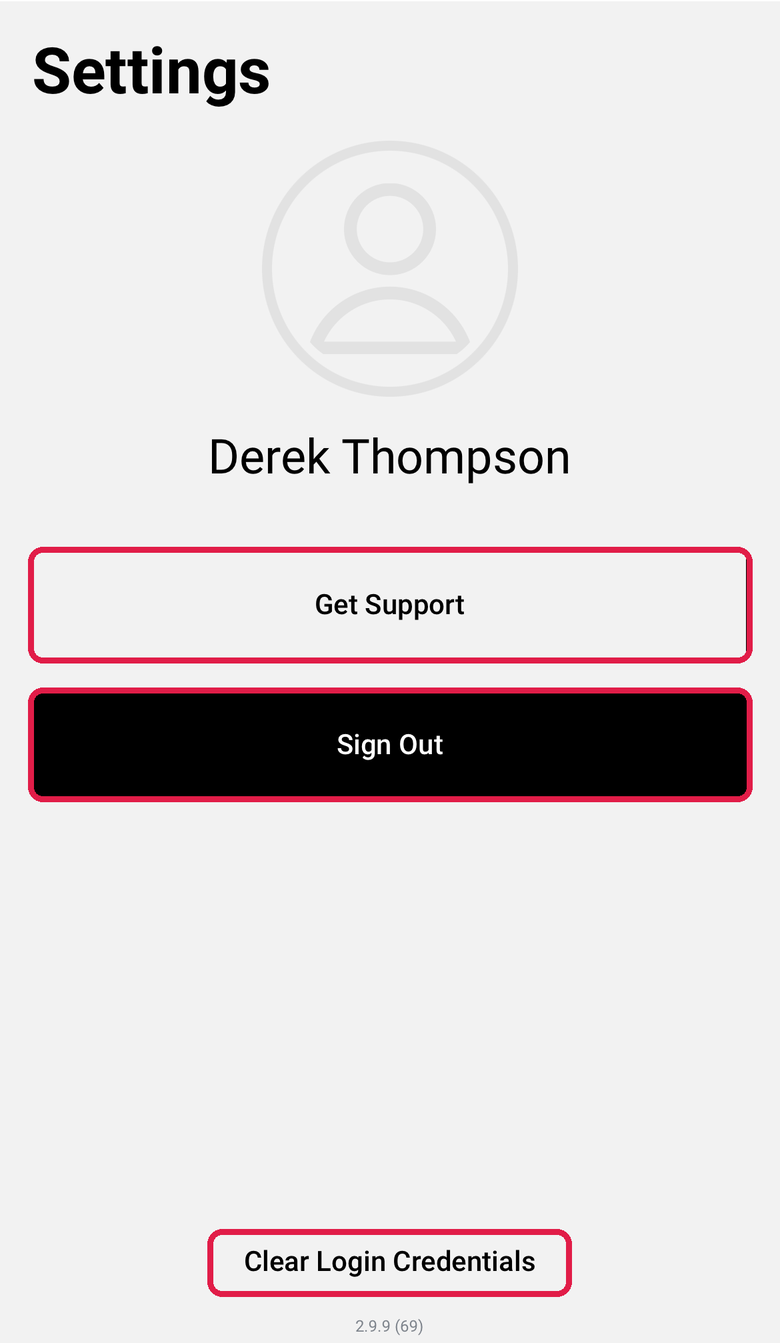
Tap Settings at the bottom of the app.
| Button | What it does |
|---|---|
| Get Support | Opens the help chat. |
| Sign Out | Logs you out. Your email and password stay filled in for next time. |
| Clear Login Credentials | Removes the saved email and password from your phone. |
Can't log in?
A team member who has been archived sees "You are not able to log in to the mobile app." Ask your office to check your account.
💬 Have a question? Click the round message button in the bottom-right corner of this page, then click Send a message. We usually reply within a few hours.